
ClashBox
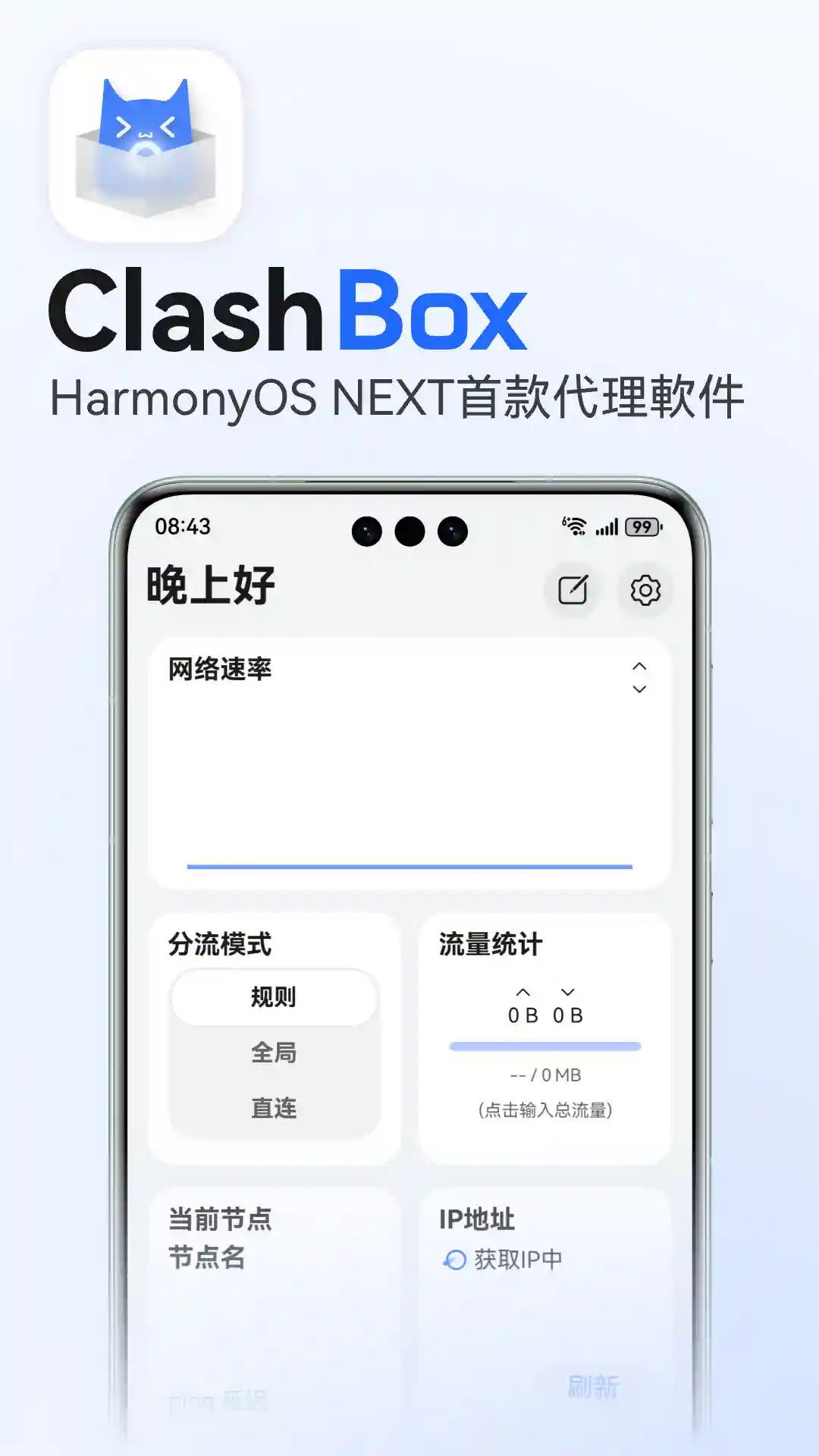
ClashBox/ClashNEXT is the first proxy software based on the Navigation framework for HarmonyOS NEXT(OpenHarmony) platform, using a modified Mihomo(ClashMeta) kernel.
Welcome to the 2025 ClashBox/ClashNEXT usage tutorial
Note
ClashBox is not yet open source, please use with caution.
Available on Overseas AppGallery
https://appgallery.huawei.com/app/detail?id=org.xbgroup.clashbox
Software Features
ArkTS Development: The frontend is developed using ArkTS, more fluid with richer animations;
Cool Interface: Uses HarmonyOS NEXT design style, adopts UI layout design similar to Surfboard, supports dark mode, blur effects, etc., providing a further improved user experience;
Multi-device Adaptation: UI has been adapted for phones, tablets, foldable screens, HarmonyOS computers and even PuraX outer screen*;
Kernel: Uses a Mihomo (Clash Meta)-related implementation; verify current version, feature differences, and stability in the project documentation;
Core Recovery: Due to HarmonyOS NEXT's background scheduling mechanism not being mature yet, the software may have background processes killed by the system, so ClashBox has built-in core recovery functionality. After the system kills the process, the core process will be automatically restored (this function will be automatically enabled after turning on "Background Running - Simulate Picture-in-Picture").
Outer Screen Note
PuraX outer screen currently only displays apps in Huawei's whitelist. It is temporarily unavailable until this software is added to the whitelist.
 Get ClashBox/ClashNEXT
Prefer the official Huawei AppGallery page. Huawei and the developer control visibility by device and legitimate account region. Do not falsify a region, create replacement accounts, or node-hop to evade store restrictions.
Developers can obtain a project release from the official GitHub repository and use Huawei's official developer tools under current documentation:
- Github download: https://github.com/xiaobaigroup/ClashBox/releases
- Or use DevEco Testing for installation
Developer installation
Developer-tool installation requires an understanding of signing, permissions, and validity. If Huawei's official tools reject an action because of account, device, or region policy, consult Huawei's current developer documentation; do not disguise an IP address or account region to bypass the restriction.
Signing validity
Self-signed app validity and developer requirements can change with Huawei policy, account state, and tool version. Before installation, consult the Huawei developer enrollment entry and current official documentation; this page does not retain unverified fixed-day claims.
Add Subscription
In the Jego Dashboard, click on Mobile Proxy in the left navigation bar, find the Mihomo subscription address and click Copy.
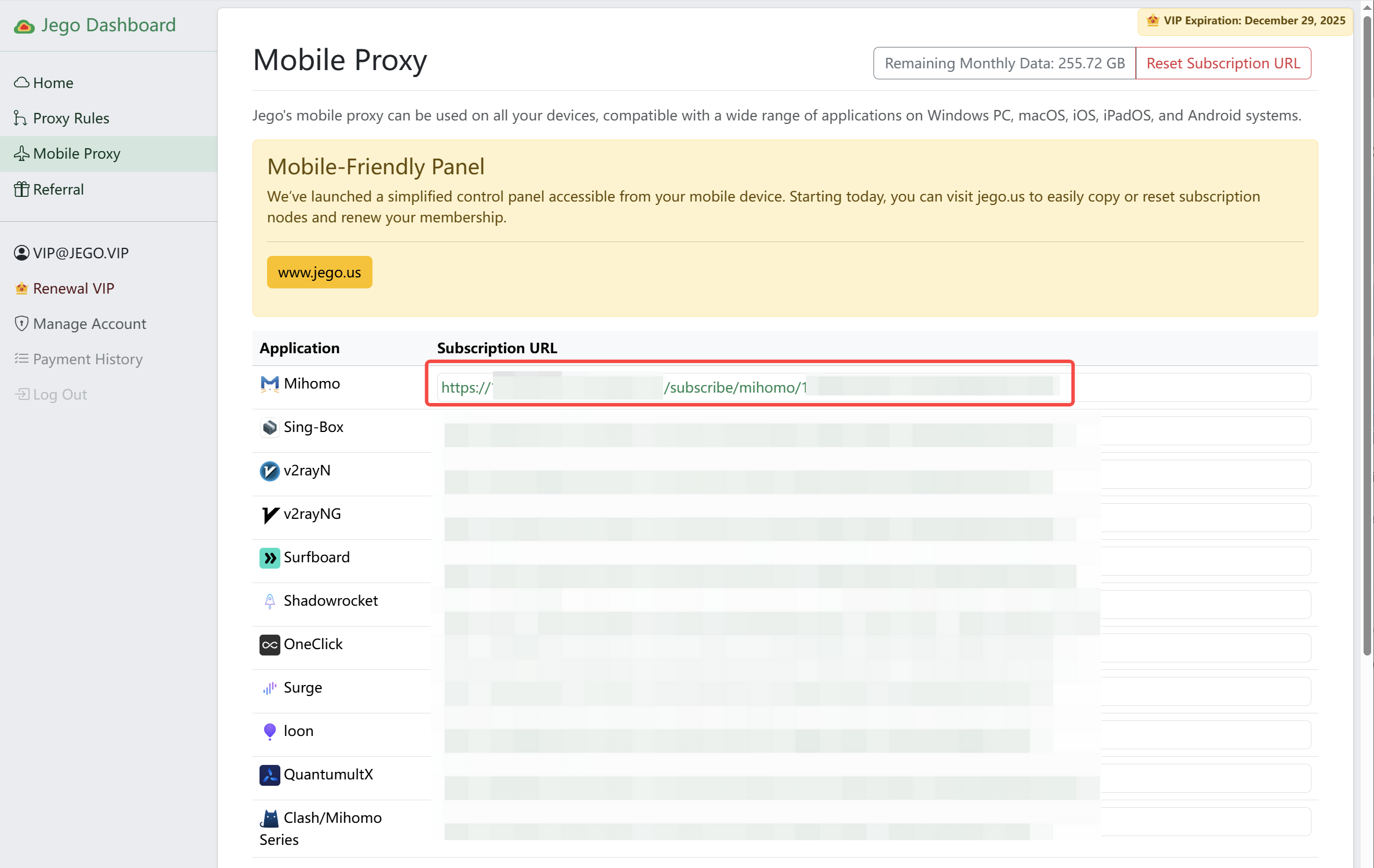
You can also get the subscription URL on your phone: open https://jego.us in the phone browser and sign in to copy it.
ClashBox/ClashNEXT Usage Tutorial
Configure Subscription
Open ClashBox, go to the Configuration page, then click the + in the bottom right corner to add a subscription: choose import from URL, paste the Mihomo subscription URL you just copied, and save. A new entry in the configuration list means it was added (details may vary by version) 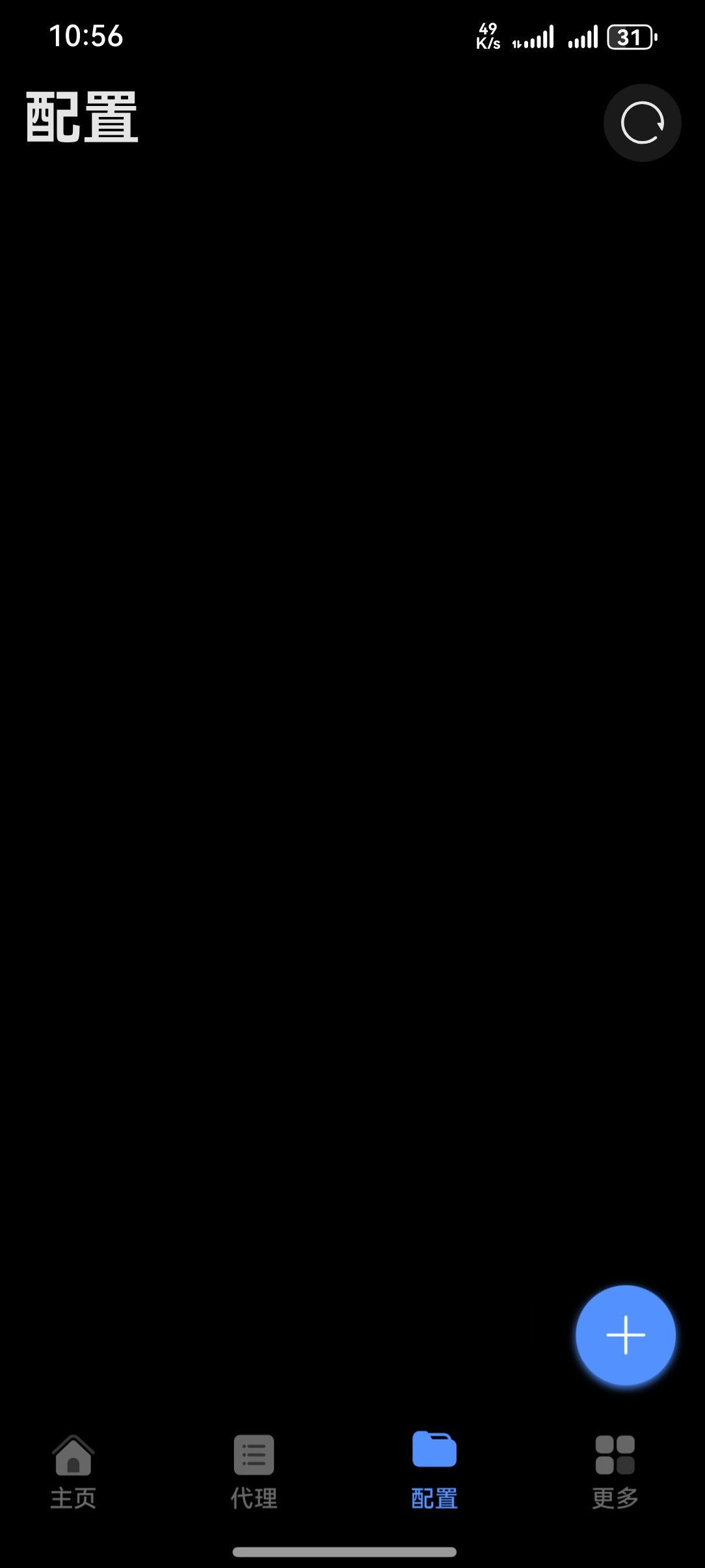
Start Proxy
Open ClashBox, on the Home page directly click the ▶ in the bottom right corner to start and bypass restrictions. 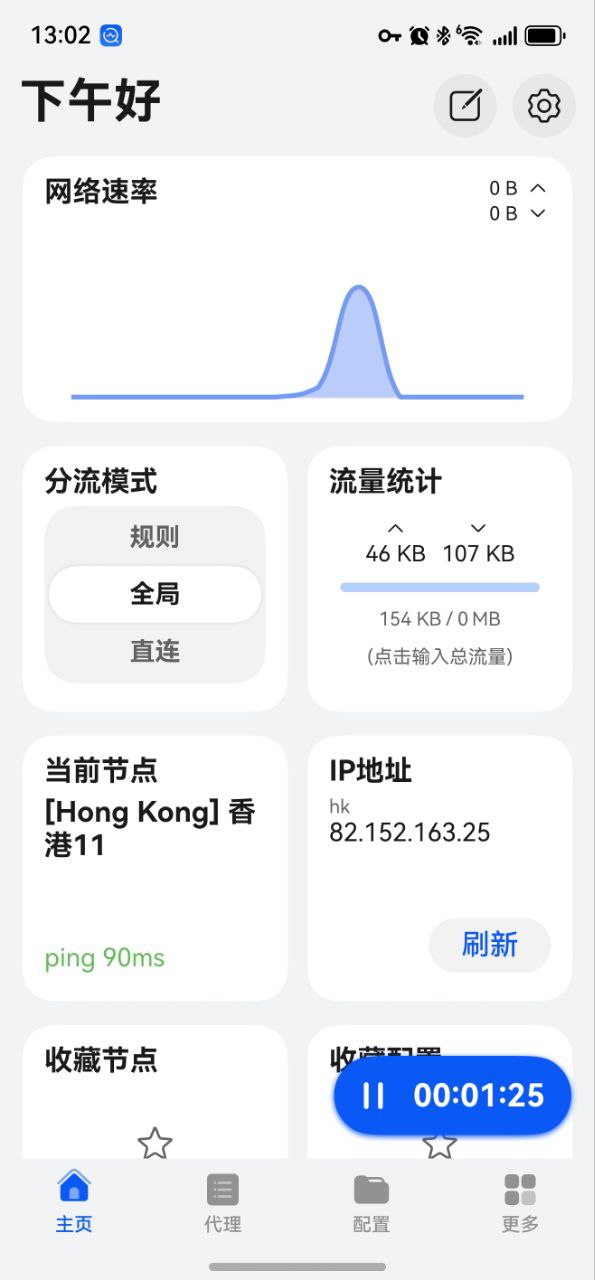
Switch Nodes
Open ClashBox, go to the Proxy page, then select according to your needs.
The usage method is similar to other similar software, you can refer to FlClash, or refer to the original product Clash for Android