How to Register
Registration and Login
- Click the Jego icon in the browser toolbar; a small loading window pops up:
- Once it loads, the sign-in and registration screen shown below appears:
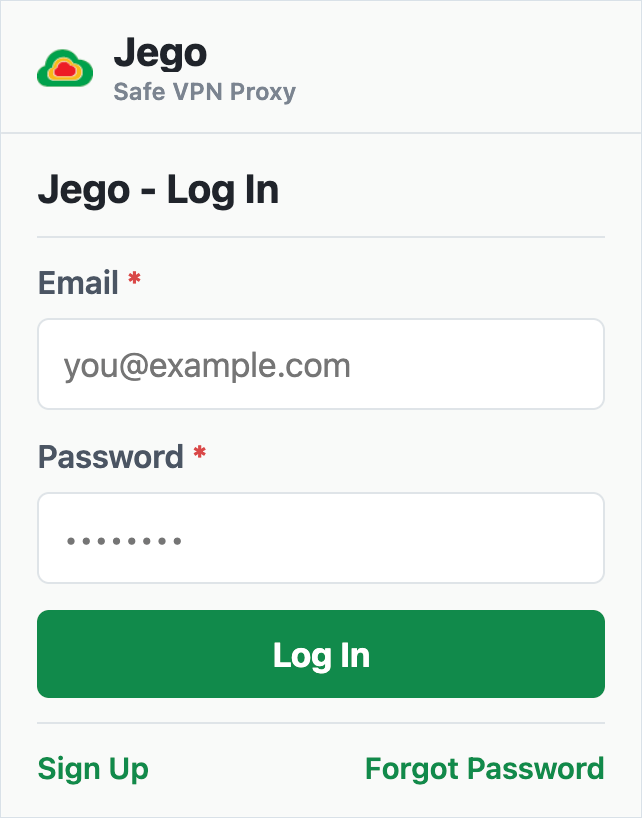
- Registered users can enter their email and password, then click
Log Into use Jego services. - New users can click the
Sign Upentry below to open the registration page.
Create an Account
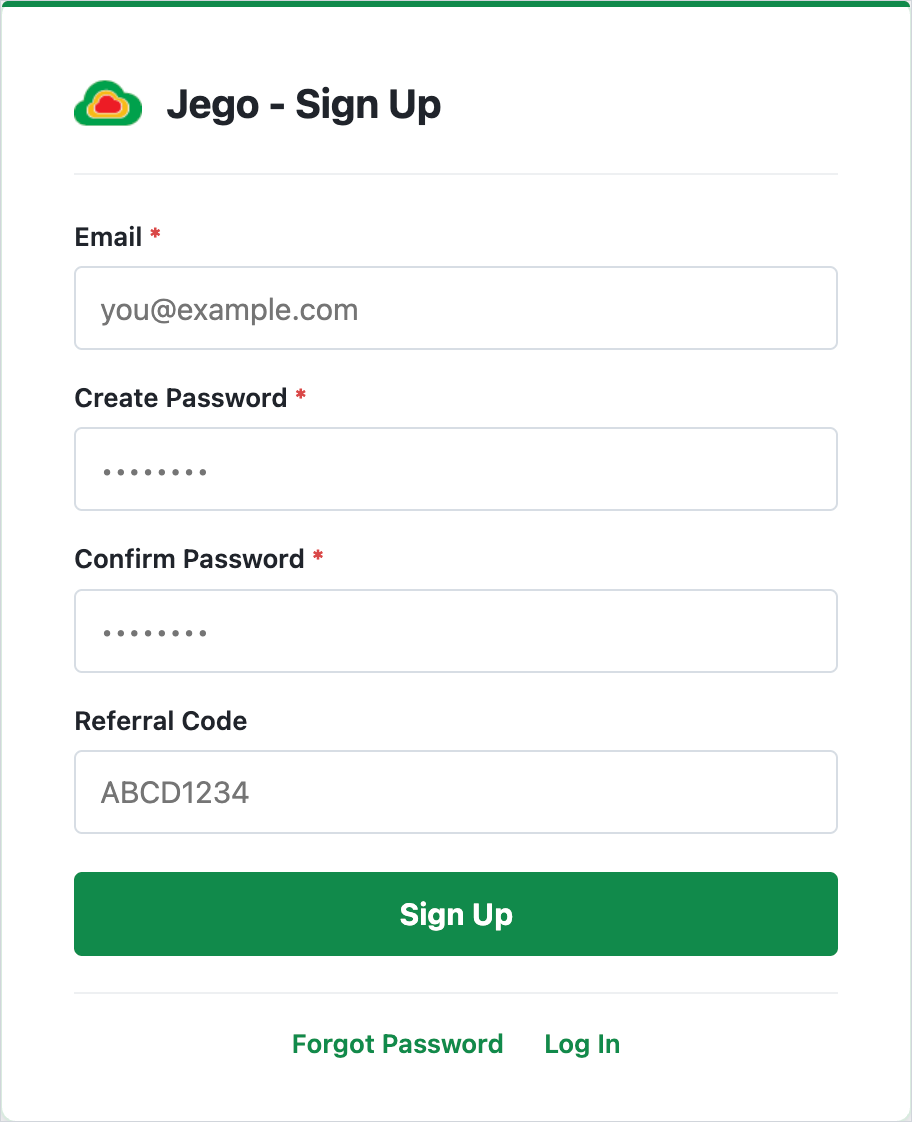
- Enter an email address that can receive messages in
Email. - Set your account password in
Create Password, then enter the same password again inConfirm Password. Referral Codeis optional. Enter one if you have it; otherwise, leave this field blank.- Click
Sign Upto create the account.
Forgot Password
1. Forgot password when logged out:
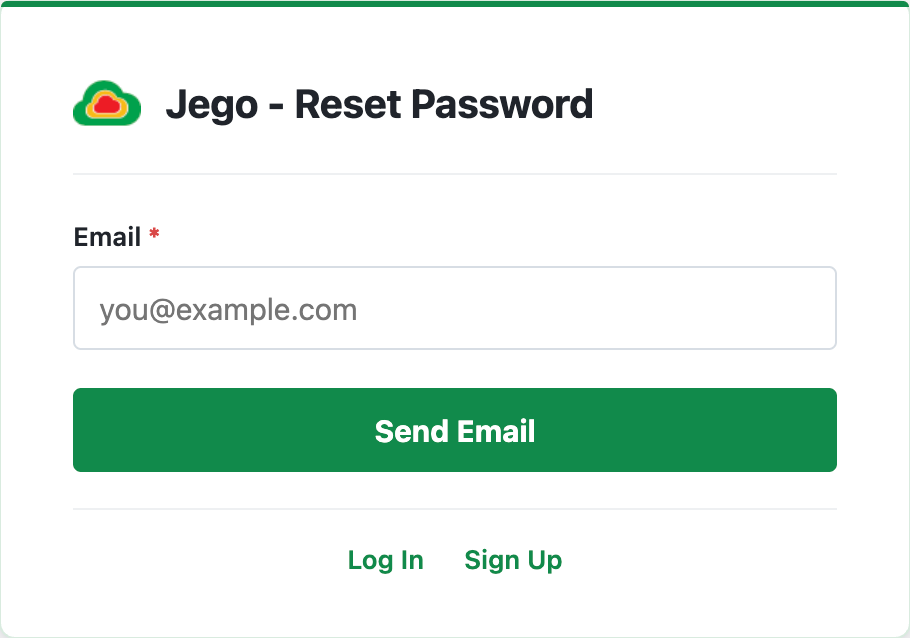
Open the Jego popup, click Forgot Password, and enter the email address registered with Jego. Then check your inbox and follow the instructions in the email to reset the password.
2. Forgot password when logged in:
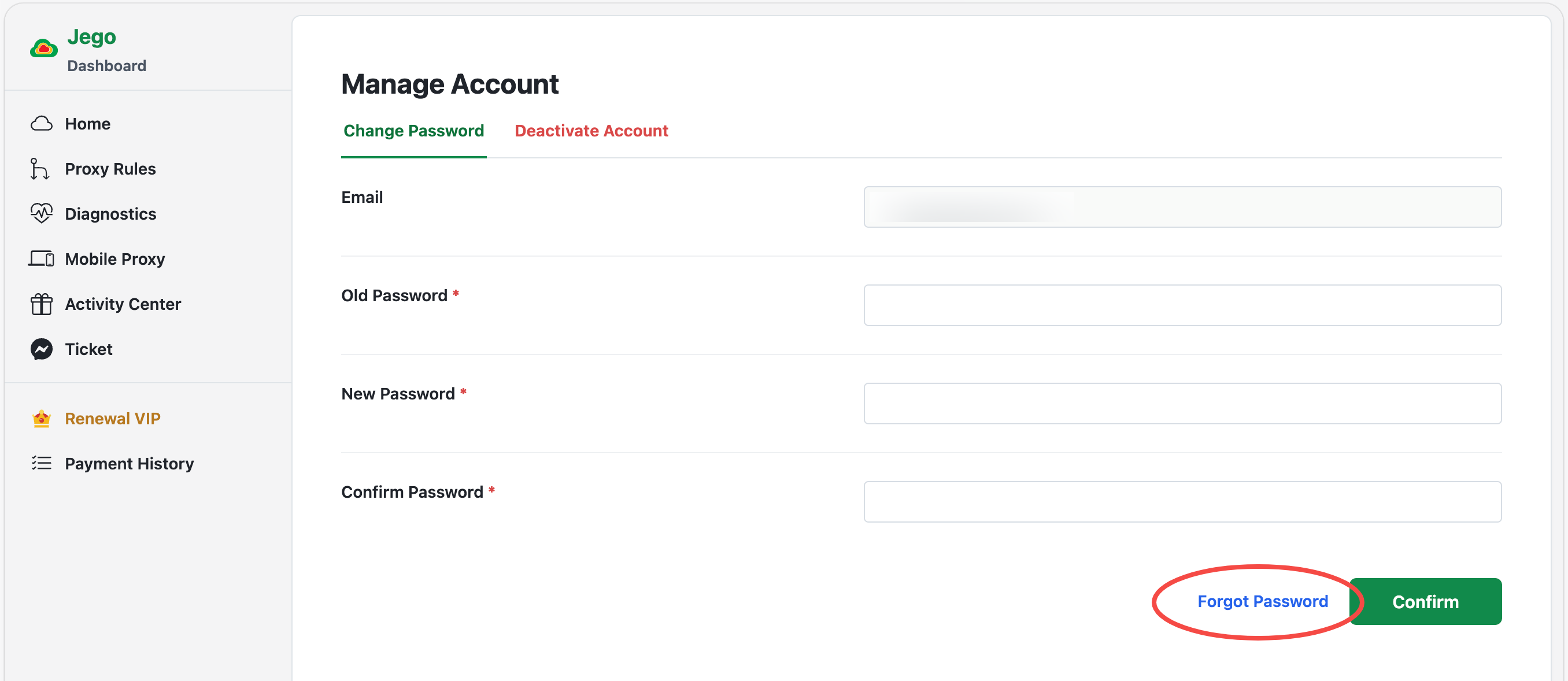
Open the Jego Dashboard, click your account email at the bottom of the sidebar, and select Manage Account. At the bottom of the change password page, you can find the Forgot Password entry (as shown in the figure below). Click it, enter the email address for your Jego account, then go to your email and follow the instructions to reset the password.