Contact Support
Contact Information
Online Tickets System
When you need human help, open Tickets in the Jego Dashboard and submit the problem. Time zones and staffing mean the team may not reply immediately; per the official notice, ticket messages are answered within 24 hours.
Recommended
Use Tickets (the Ticket entry in the Dashboard sidebar) for a faster response.
Include when it happened, the operating system and version, browser or client version, Jego mode and node, steps you took, exact error, and the Connection result.
✉️ Email
To protect your privacy and security, you can also contact us via the following official support email.
Note
Email responses may be significantly slower. For faster assistance, please use the online Tickets System above.
jegocloud@gmail.comFeedback for Jego Browser Extension
The more specific the information, the faster the resolution!
Detailed information and a specific description of the issue allow us to accurately pinpoint and resolve the problem.
Email Subject Reference:
Jego Browser Extension: Cannot find server when accessing bing.comEmail Content Reference:
Incident time and timezone: 2026-07-10 14:30 UTC+8
Account email: name@example.com
Jego version: full version displayed by the Dashboard
Browser version: full version displayed on the browser About page
Operating system: system name and version
Jego mode: Rules / Global / Off
Network type: home Wi-Fi / managed network / mobile hotspot (no precise address)
Steps: 1. Enable Rules; 2. Open bing.com
Issue Description:
Enabled Jego Rule mode, but accessing bing.com shows "server not found" (see attached screenshot). Please assist.
Please attach a screenshot of the specific problem (see reference below):
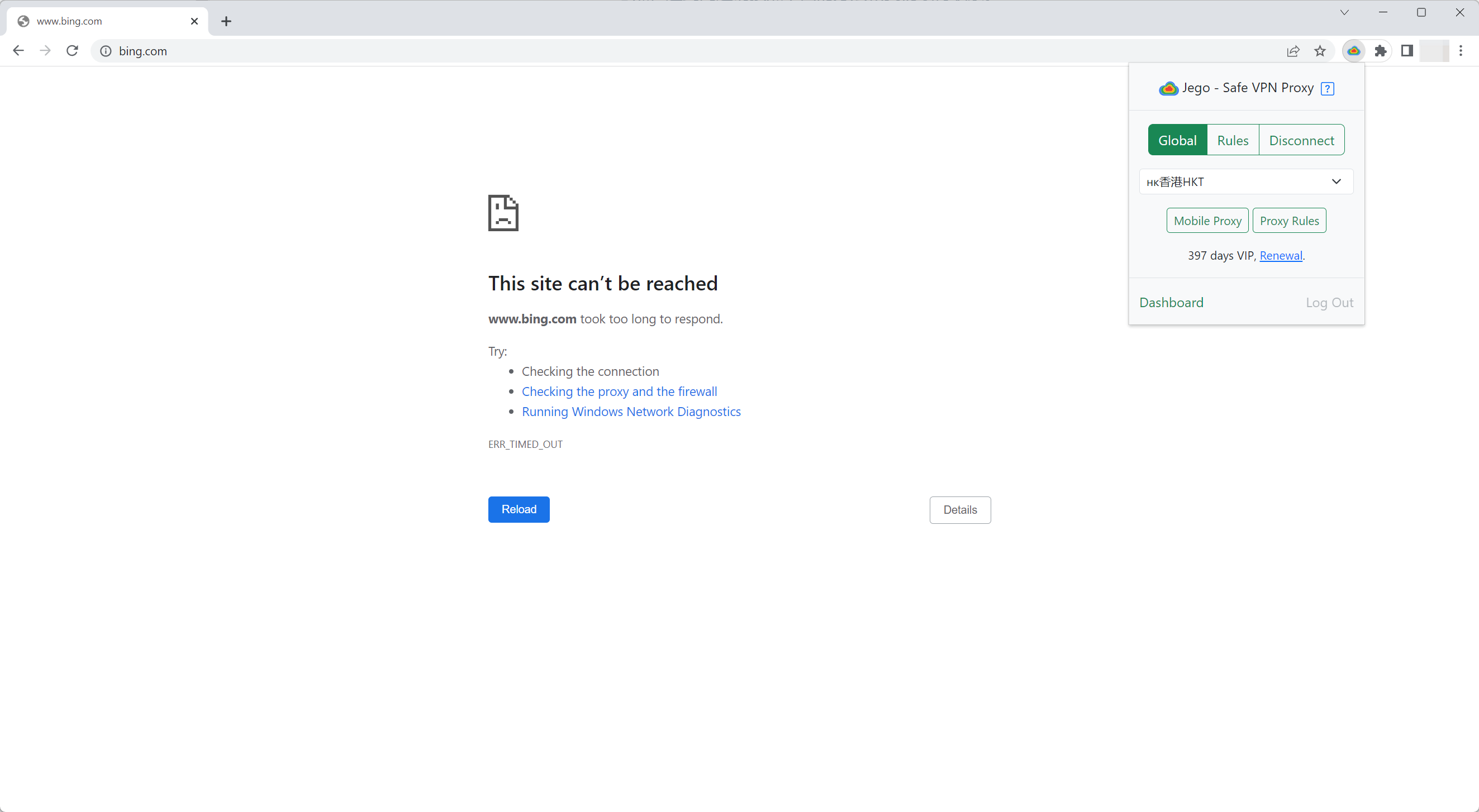
It is recommended to capture both the Jego popup status and the error page in the same screenshot, as shown above.
Feedback for Jego Subscription Service
Email Subject Reference:
Jego Subscription Service: All nodes show timeout errorEmail Content Reference:
Incident time and timezone: 2026-07-10 14:30 UTC+8
Account email: name@example.com
Operating system: system name and version
Client and version: full version shown on the client's About page
Network type: home Wi-Fi / managed network / mobile hotspot
Steps: 1. Refresh subscription; 2. Select a node; 3. Start connection
Issue Description:
All server nodes in FlClash are showing as timed out. Please assist.
Please attach a screenshot of the specific problem (see reference below):
.jpg)
It is recommended to provide a full screenshot including the software main interface and the node list page to help us locate the problem quickly.
💔 Ineffective Feedback
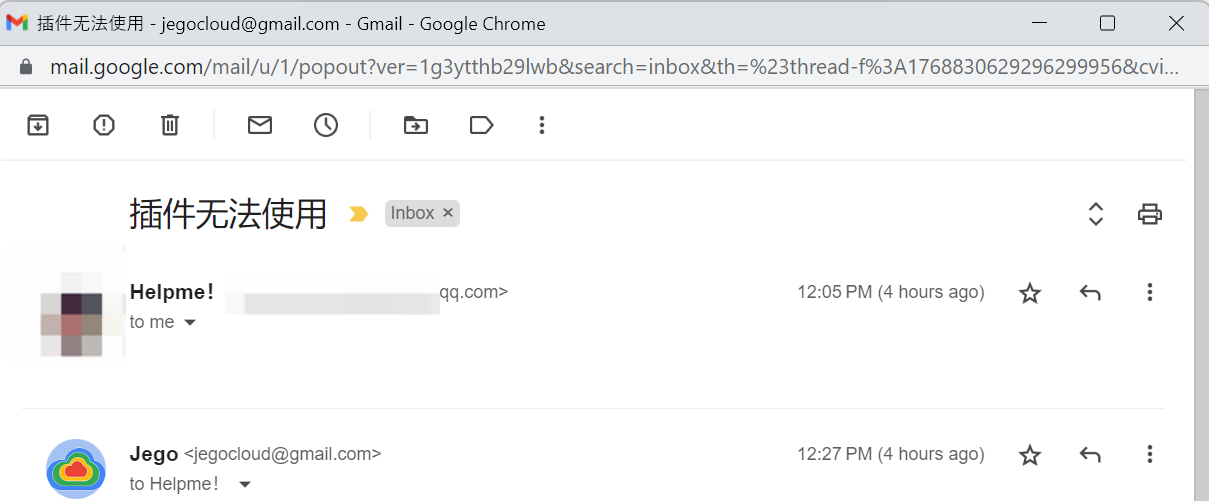
As shown above, emails that merely state "there is a problem" without specific descriptions or screenshots are considered ineffective feedback. We cannot provide effective assistance for such reports due to the lack of necessary information.