
Node Selection
A node is the Jego network route used to reach websites. Choose Rules or Global mode, then click the node under Current location to open the list. Node selection is disabled in Off mode.
Auto Select
When Current location shows Auto Select (see below), Jego picks the route for you:
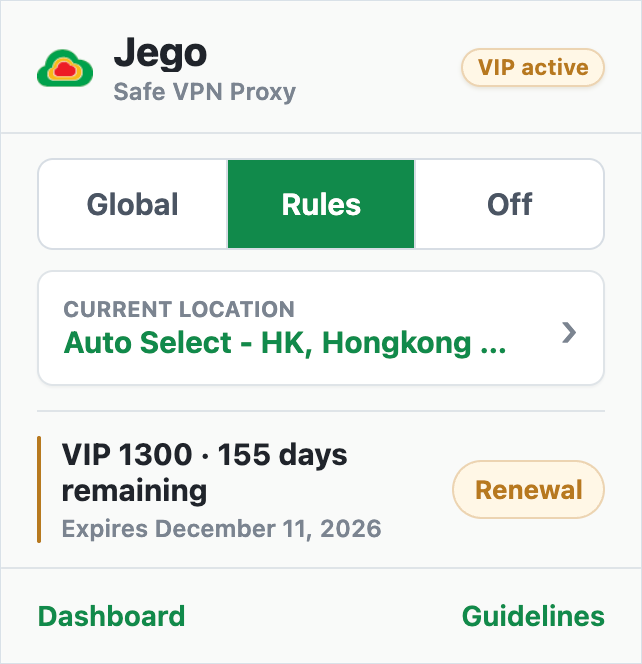
If you do not know which node to choose, use Auto Select. Jego selects from the routes currently available to your account, making it a good choice for first-time and everyday use.
Auto Select can change with network conditions and does not stay in one region forever. If a site remains unavailable or slow, run Node test and then select a node that worked in that run.
Manual Selection
Select a node
- Click the node area shown below to open the list.
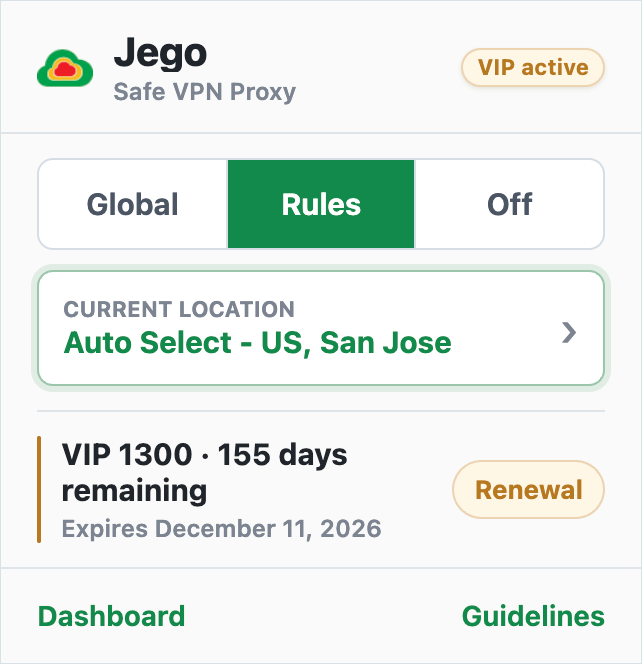
- Scroll through the list and select a node. Names usually include a region or route label.
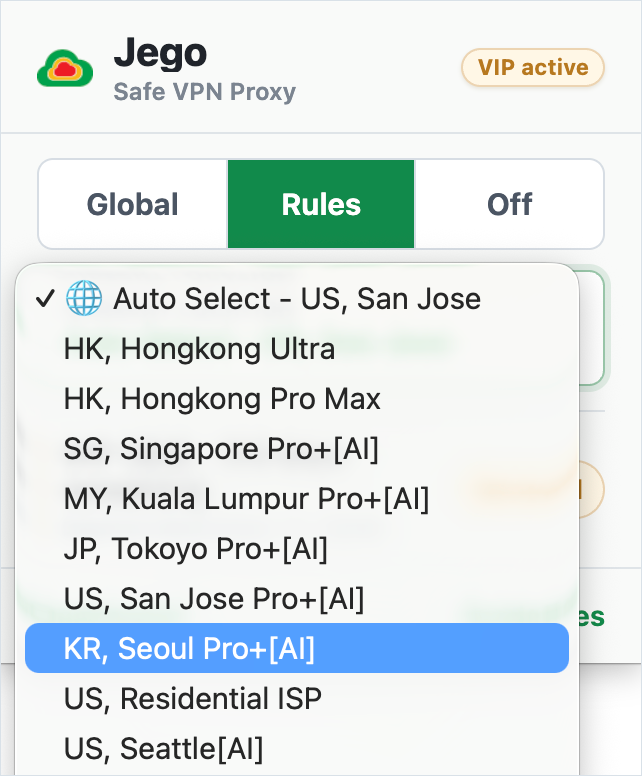
- The Jego logo becomes a breathing dot while the change is applied. Wait for the logo to return before reloading the website.
When Current location shows the selected node name instead of Auto Select, the manual choice has been saved.
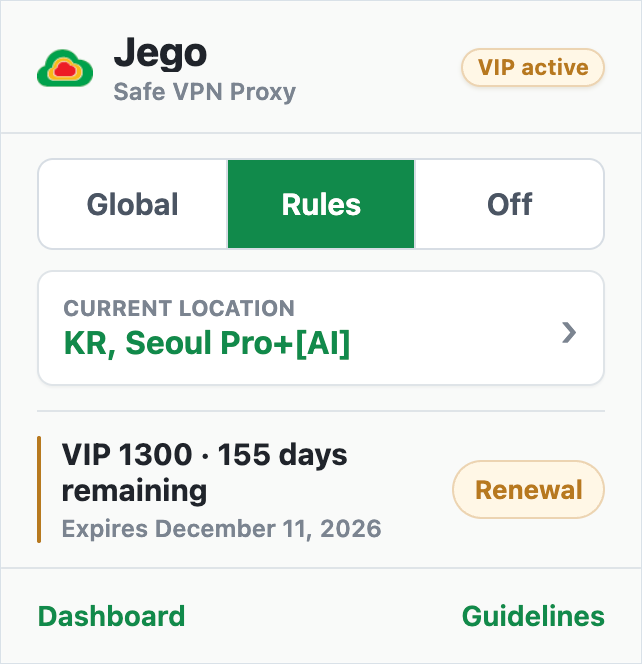
When to select manually
- Auto Select cannot connect right now;
- the website opens but feels unusually slow;
- you want to use a route marked with green lightning in Node test.
If only one site fails, run Rules Check and see whether the domain is proxied. An available node does not mean every site automatically uses it.
If the list is empty or disabled
- Jego is Off: choose Rules or Global first.
- No nodes appear: confirm that you are signed in and check membership or trial status.
- The change never finishes: reopen the popup. If it still fails, record the extension version and node name before contacting support.
To learn more about Jego's global network nodes, visit: