
Clash for Android
A Graphical user interface of clash for Android
Not Recommended
This software has not been updated for several years. Jego does not recommend continued use.
Please use Jego's recommended clients
Discontinued
Clash for Android was discontinued on November 3, 2023.
Alternative
You can visit the Mihomo Series Software page to get the latest software.
 Historical acquisition note
The original Google Play and GitHub project entries are no longer available, and third-party APK aggregators are not a verifiable security source. This page no longer links an installer; use a maintained replacement above. The interface and subscription steps remain only to help identify settings during migration from an old device.
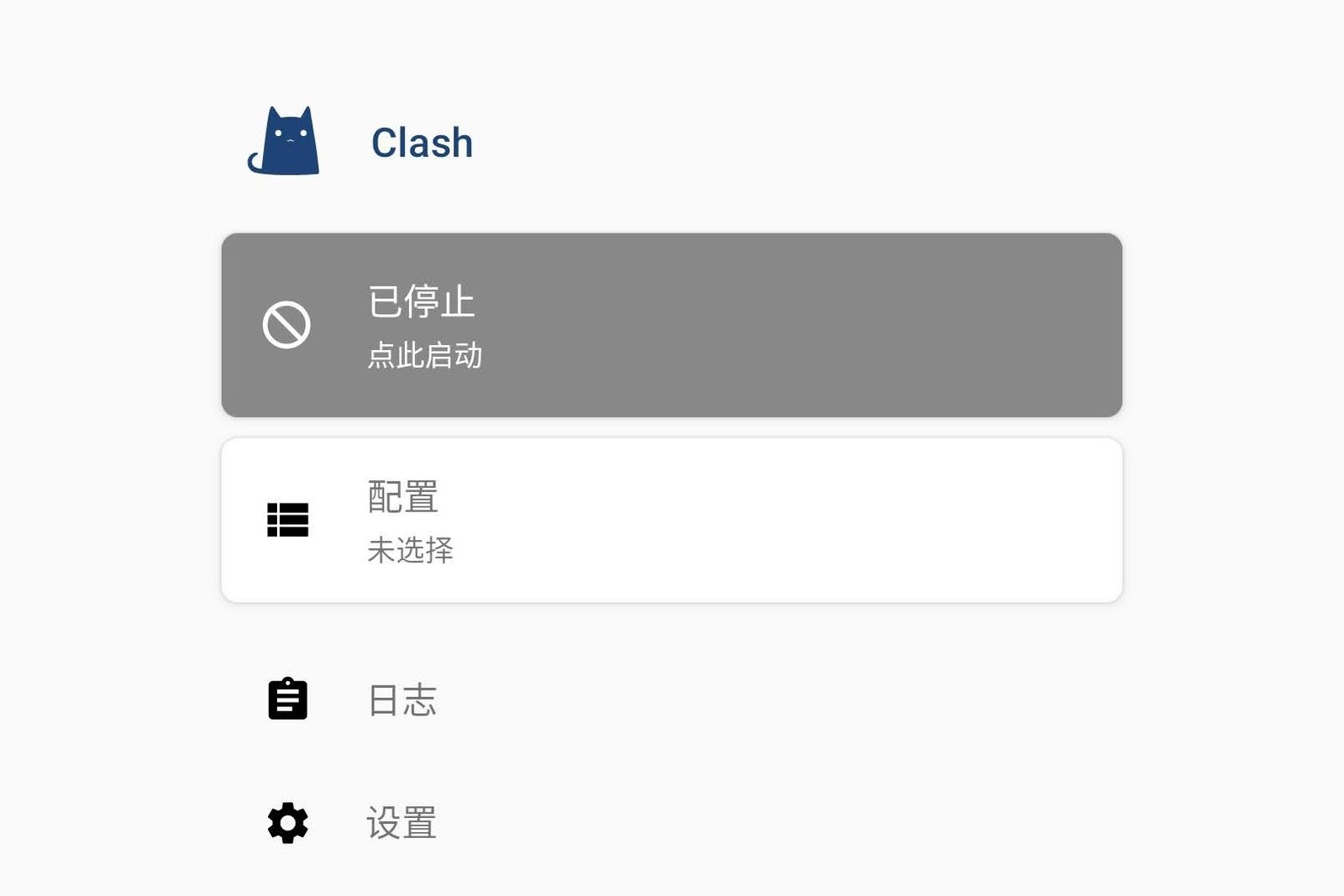
Add Subscription
In the Jego Dashboard, click on Mobile Proxy in the left navigation bar, find the Clash/Mihomo Series subscription address and click Copy.
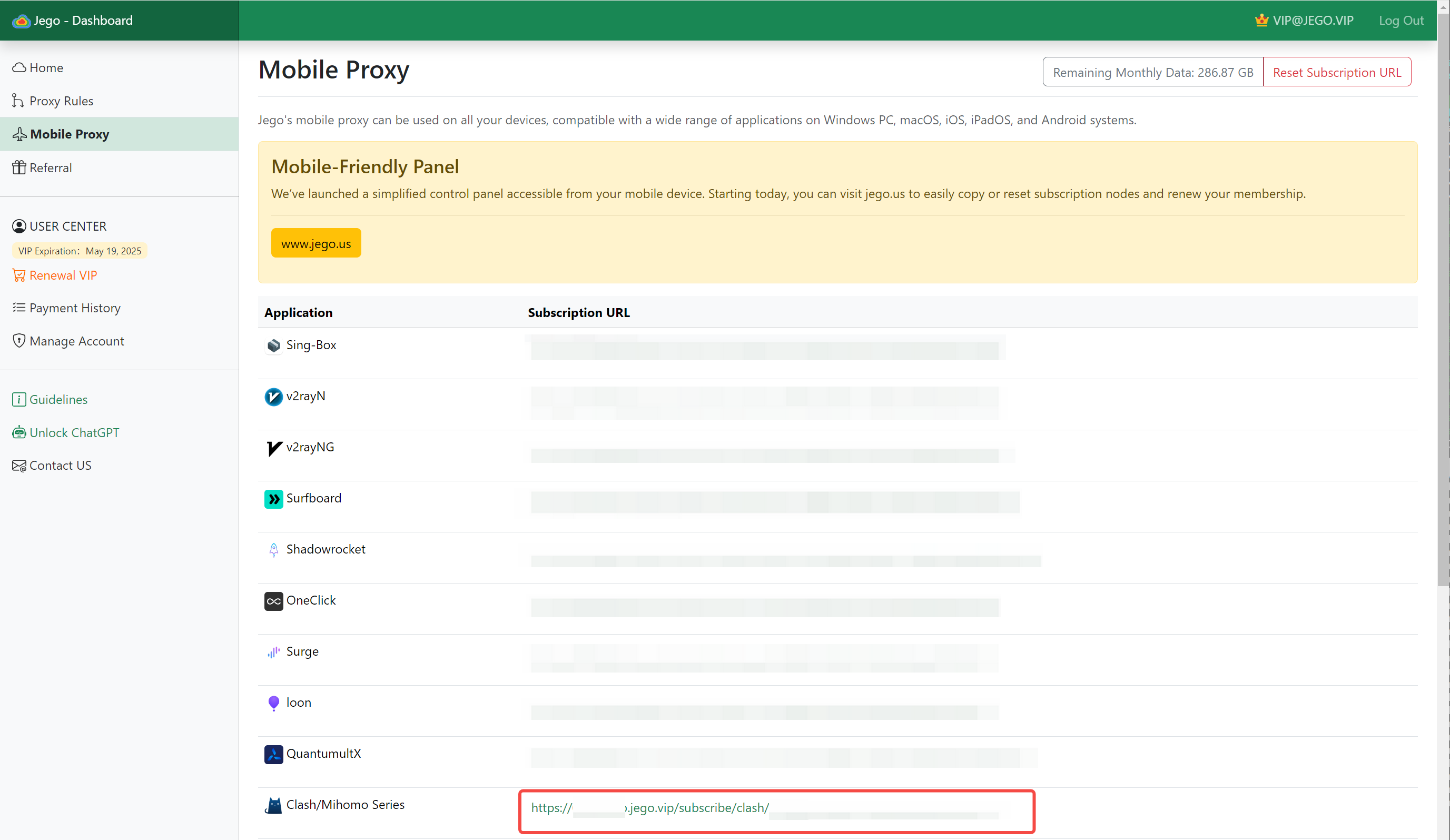
You can also get the subscription URL on your phone: open https://jego.us in the phone browser and sign in to copy it.
Open Clash for Android, go to Configuration > New Configuration > URL.
In the URL field, paste the Clash configuration subscription link; for Auto Update (minutes), it's recommended to fill in 1440, which means updating the configuration file from the link every 24 hours.
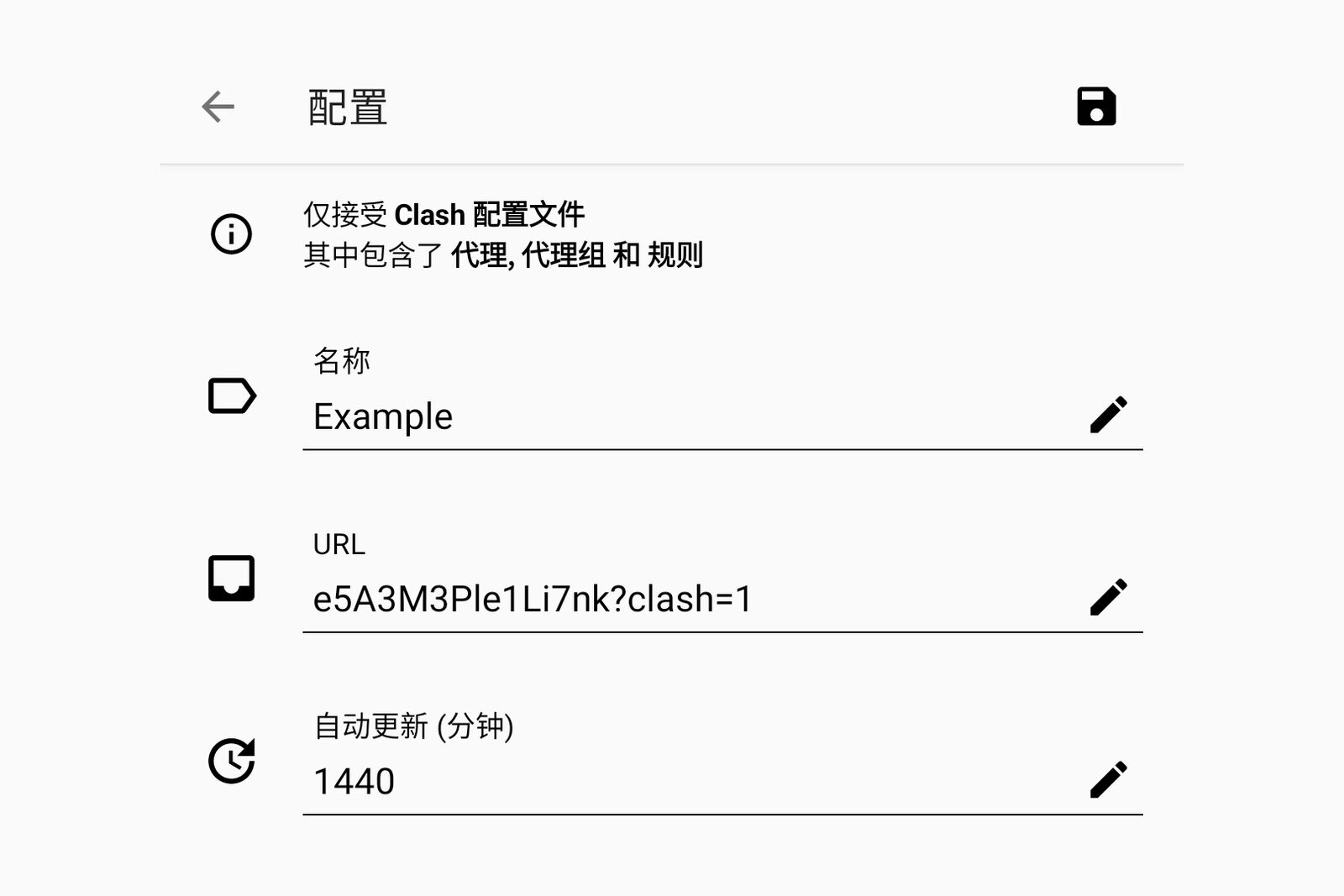
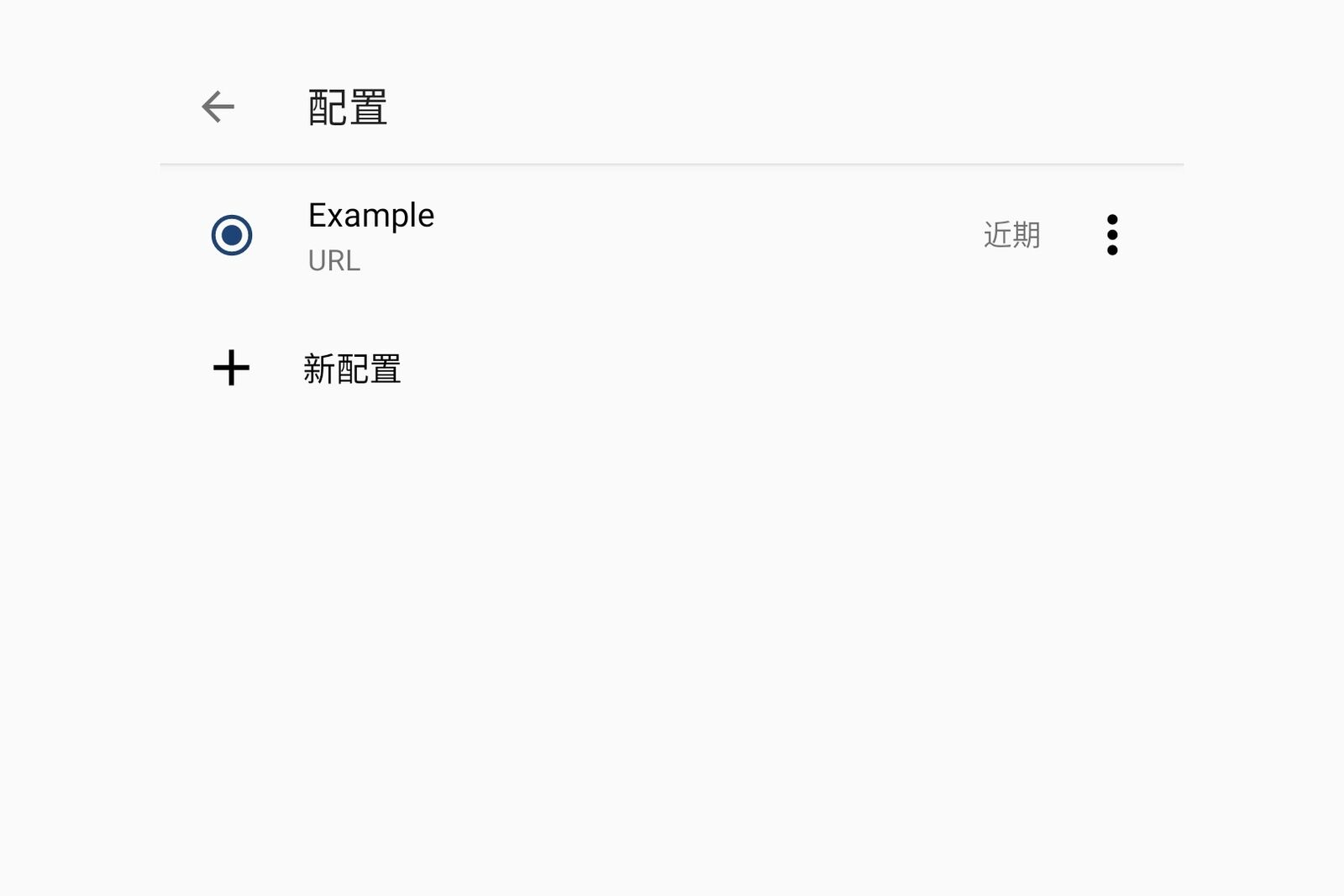
After completion, click the Save button in the upper right corner. Clash for Android will download the configuration file. Please click Select for the added configuration file.
Enable Proxy
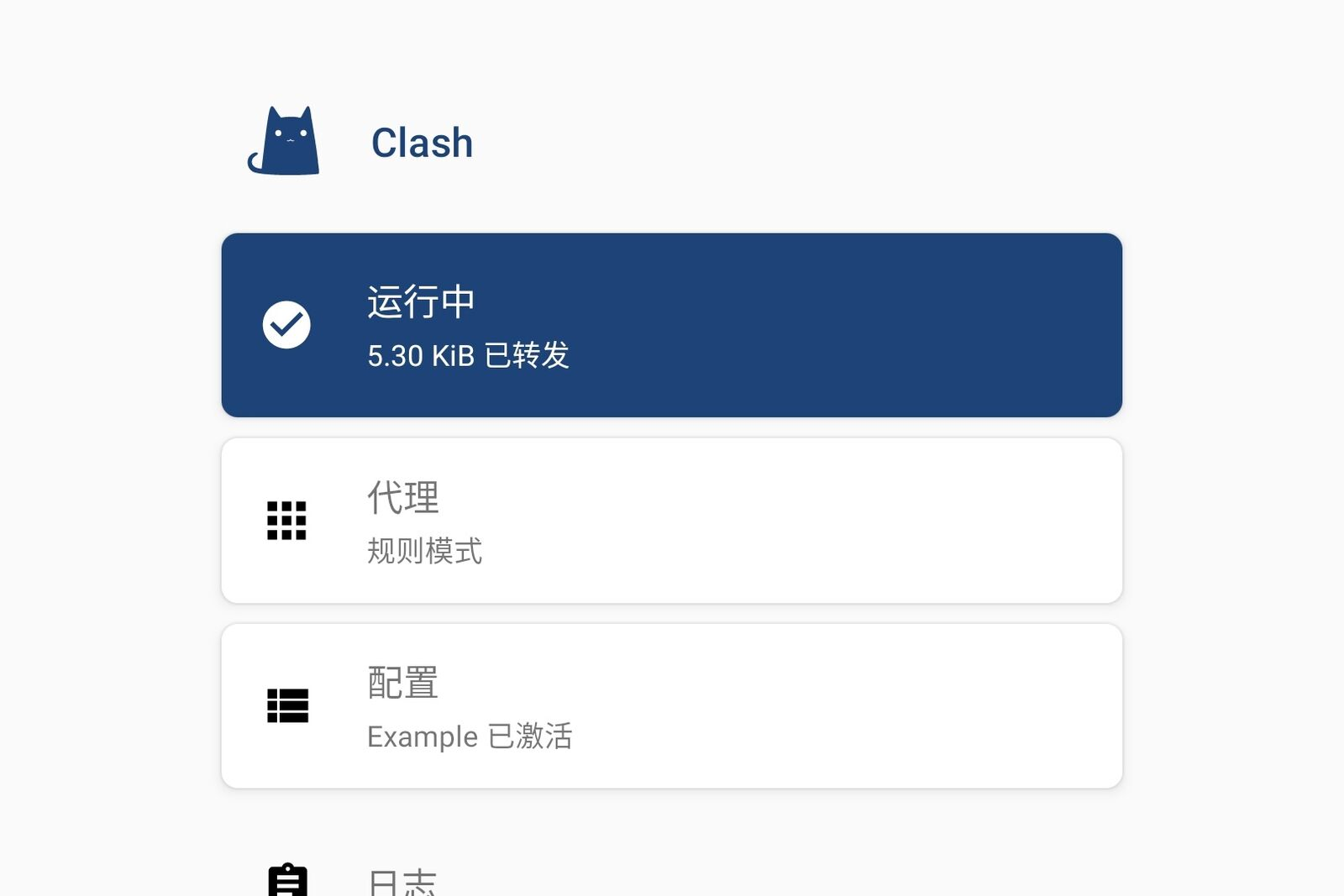
Return to the Clash for Android main page and Start Service. In the popup VPN settings, click "Allow" and Clash for Android will begin taking over system traffic.
Click on Proxy, and select the corresponding node in the mode above. You can also select specific applications to use corresponding proxy nodes.
Select Proxy Mode
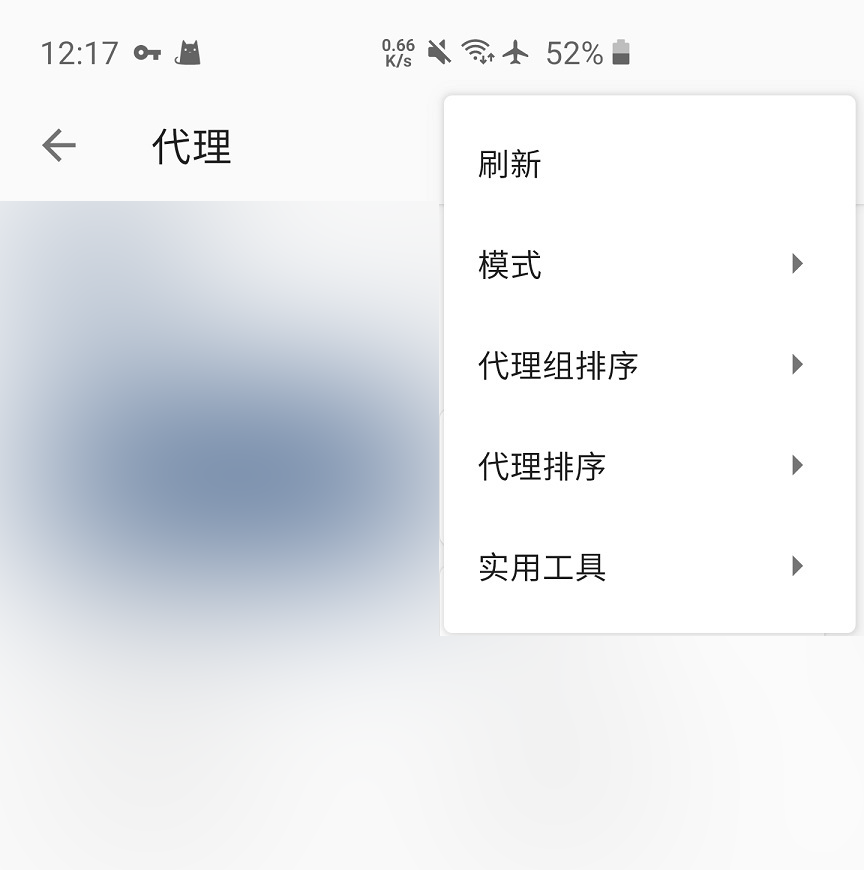
Go to the App main page, tap "Proxy" > "┇" > "Mode", and select the proxy mode according to your needs.
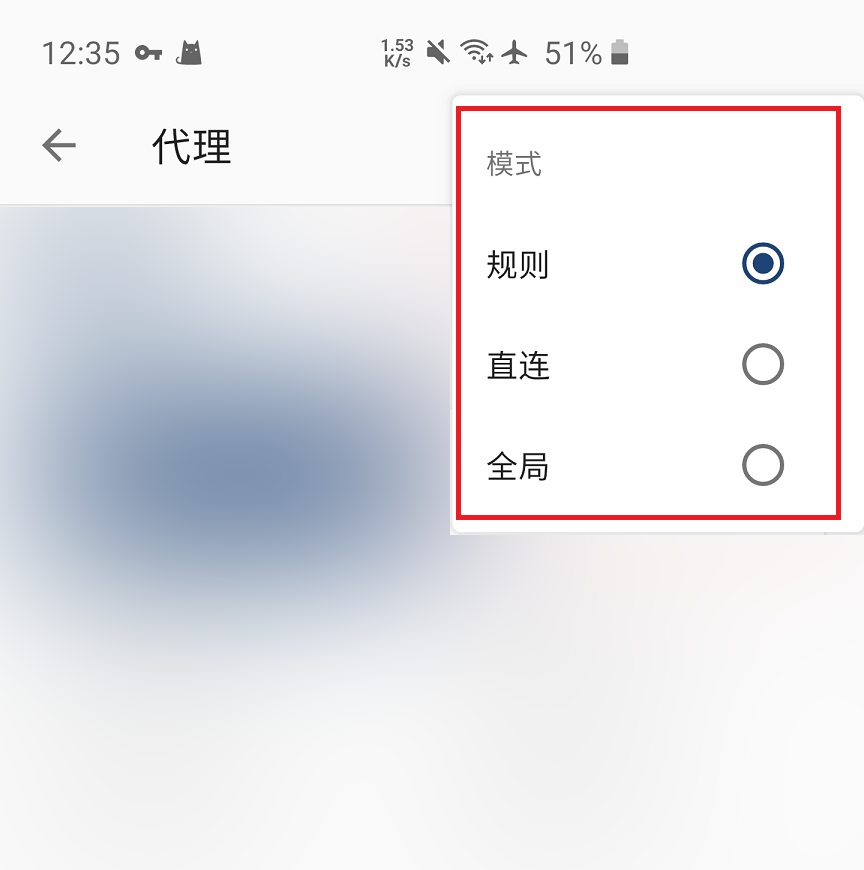
Rules / Rule: Only proxy foreign traffic
Suitable for users who use both domestic and foreign services.
In Rule mode, mainland-China traffic connects directly and does not go through the proxy server.
When querying IP on mainland websites, you get the local IP address.
When querying IP on foreign websites, you get the proxy IP address.
Traffic routing rules cannot be comprehensive and have timeliness. If you encounter the following situations, try global proxy.
- Unable to open international websites;
- Slow loading of international websites;
Direct / Direct: Do not proxy any traffic
Choosing this mode will result in inability to bypass restrictions, with the same effect as not using VPN.
Global / Global: Proxy all traffic
Suitable for users who do not rely on mainland services.
In Global mode, foreign traffic goes through the proxy as usual; mainland traffic also goes through the proxy server — it works, but noticeably slower.