HarmonyOS Proxy Guide
Jego members can use a compatible proxy client on HarmonyOS. HarmonyOS NEXT and older HarmonyOS releases use different tools, so check the system version before following the matching install and import guide below.
You can also get the subscription URL on your phone: open https://jego.us in the phone browser and sign in to copy it.
 HarmonyOS 5 proxy clients
For HarmonyOS 5 / NEXT, the ClashBox guide is currently available. The client is still experimental and requires a Huawei developer account or a non-mainland Huawei AppGallery account for installation.
Experimental client

ClashBox / ClashNEXT is a HarmonyOS NEXT (OpenHarmony) proxy client based on the Mihomo (formerly ClashMeta) core. If the installation requirements above are available, open the complete guide to continue.
HarmonyOS 1.0–4.3 proxy clients
These releases can run compatible Android clients. New users can start with FlClash or sing-box for Android.
Recommended clients

FlClash is an easy-to-use multi-platform proxy client. Its complete guide covers installation, subscription import, and connection.

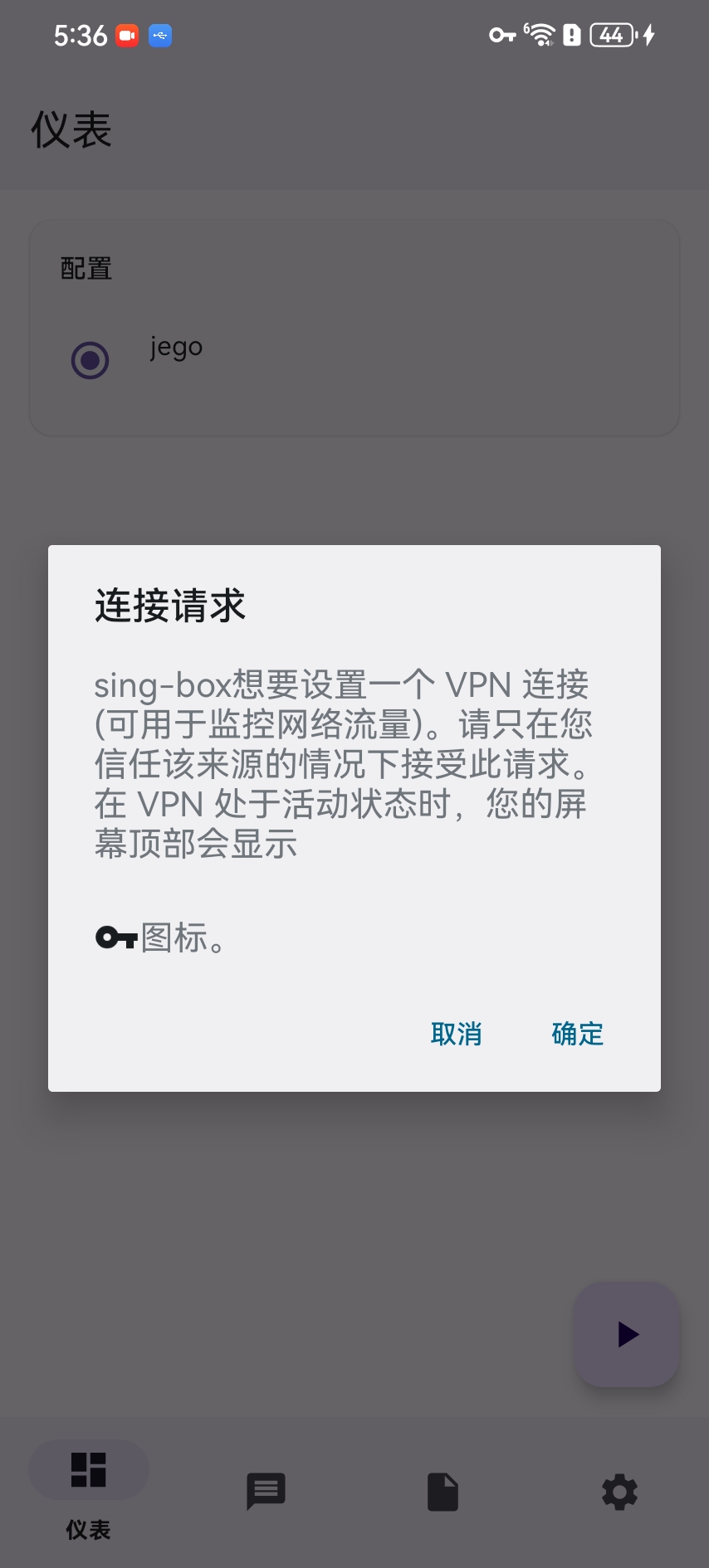
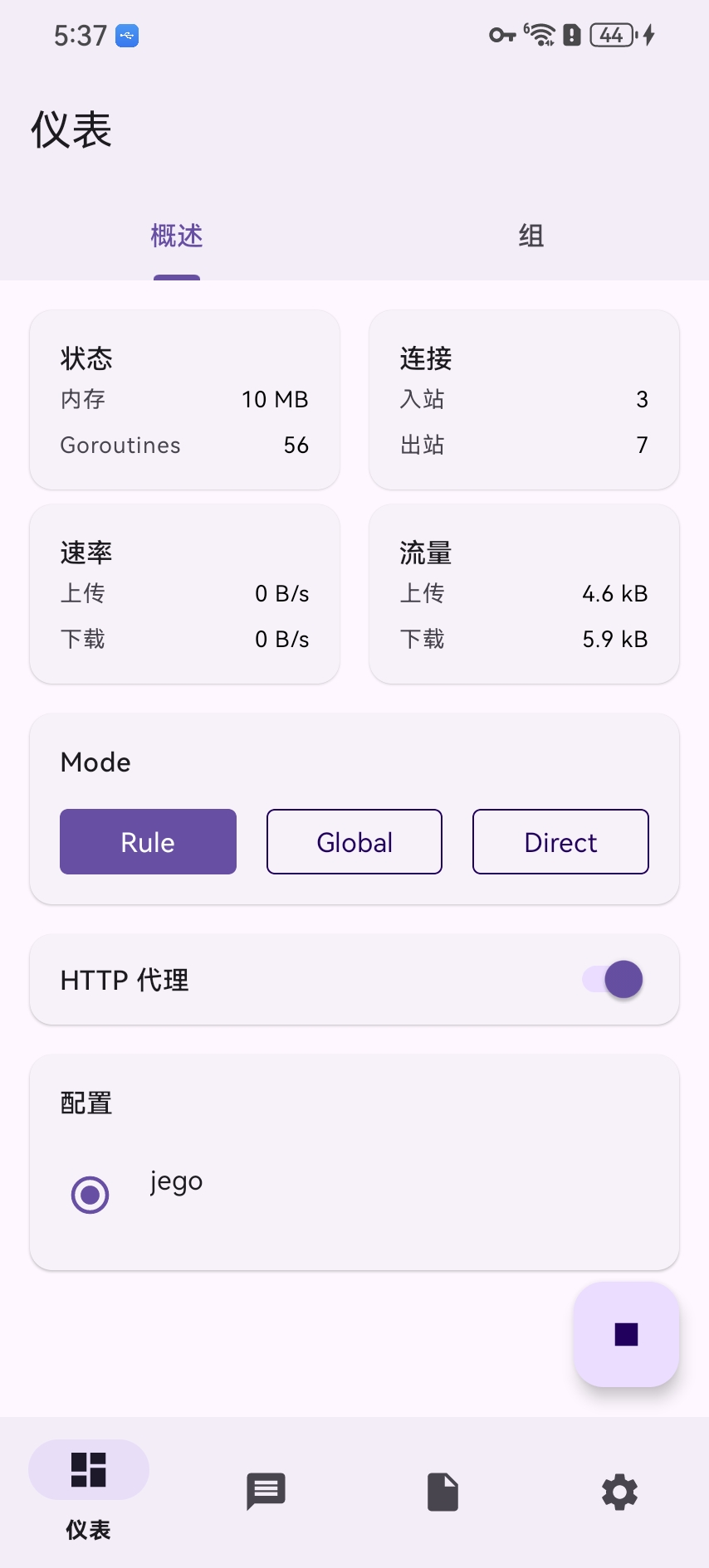
sing-box for Android is an open-source Android client. Open the complete guide for its installation and subscription-import steps.
Older HarmonyOS interface reference
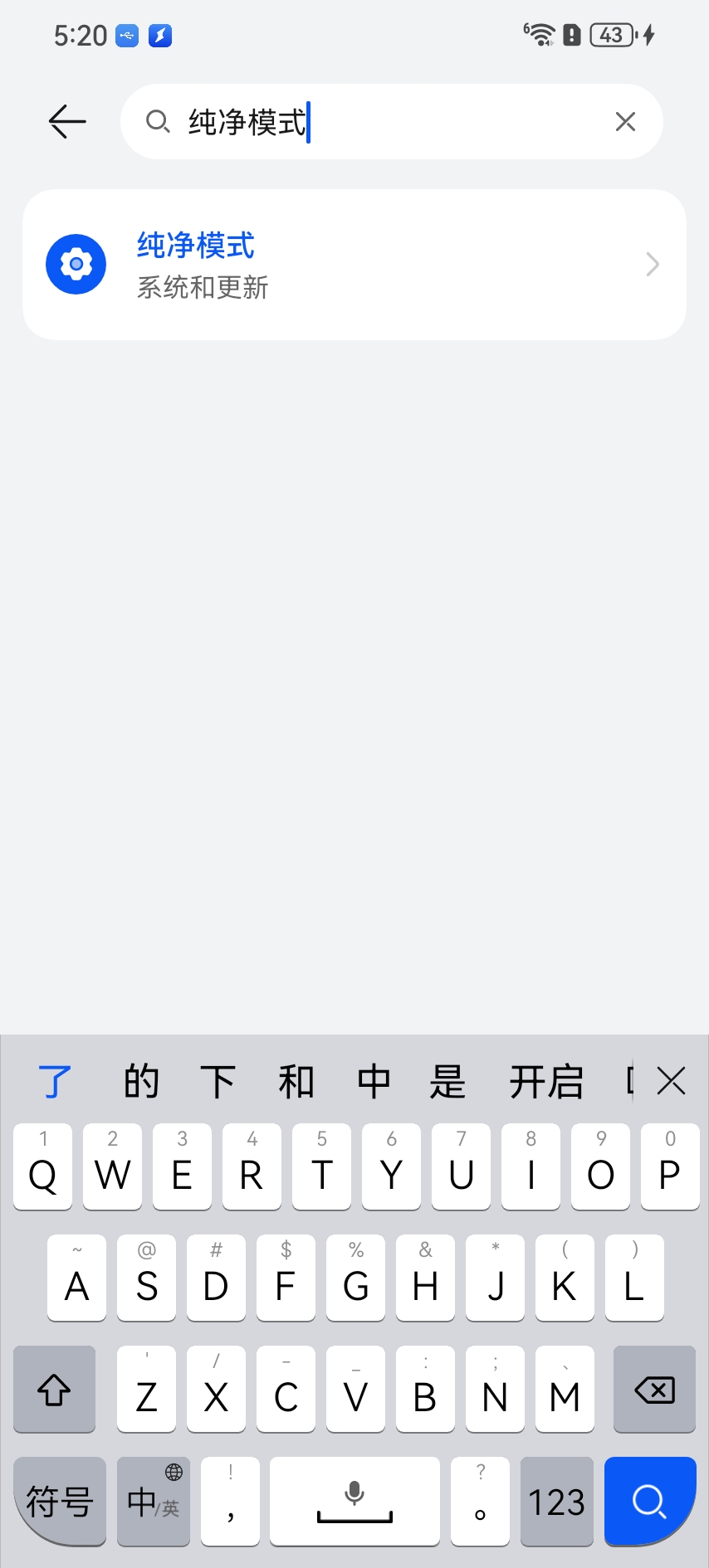
The screenshots below are retained to identify older HarmonyOS security settings and client screens. Prefer Huawei AppGallery or the project's official source and keep system protection enabled during installation.
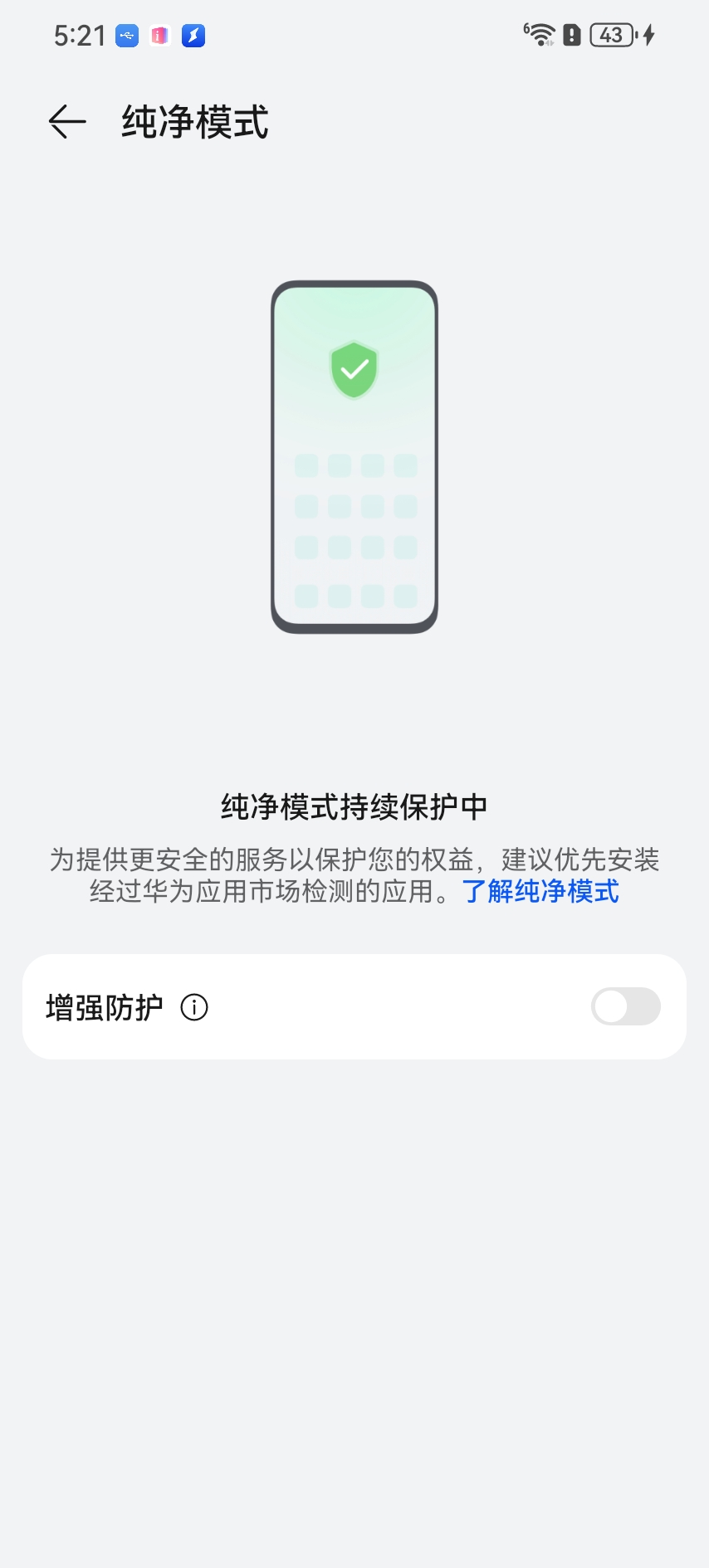
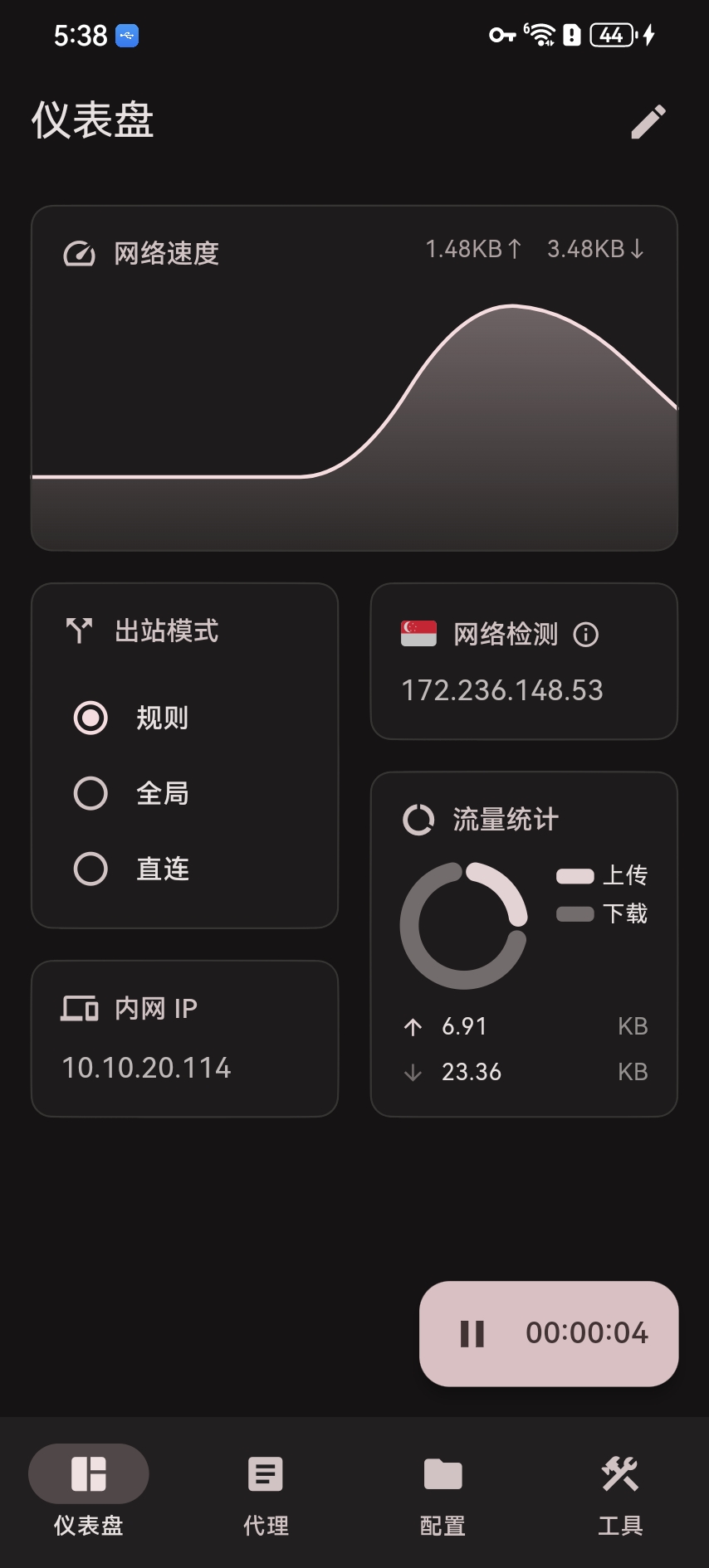
Install and launch FlClash
Open the complete FlClash guide.
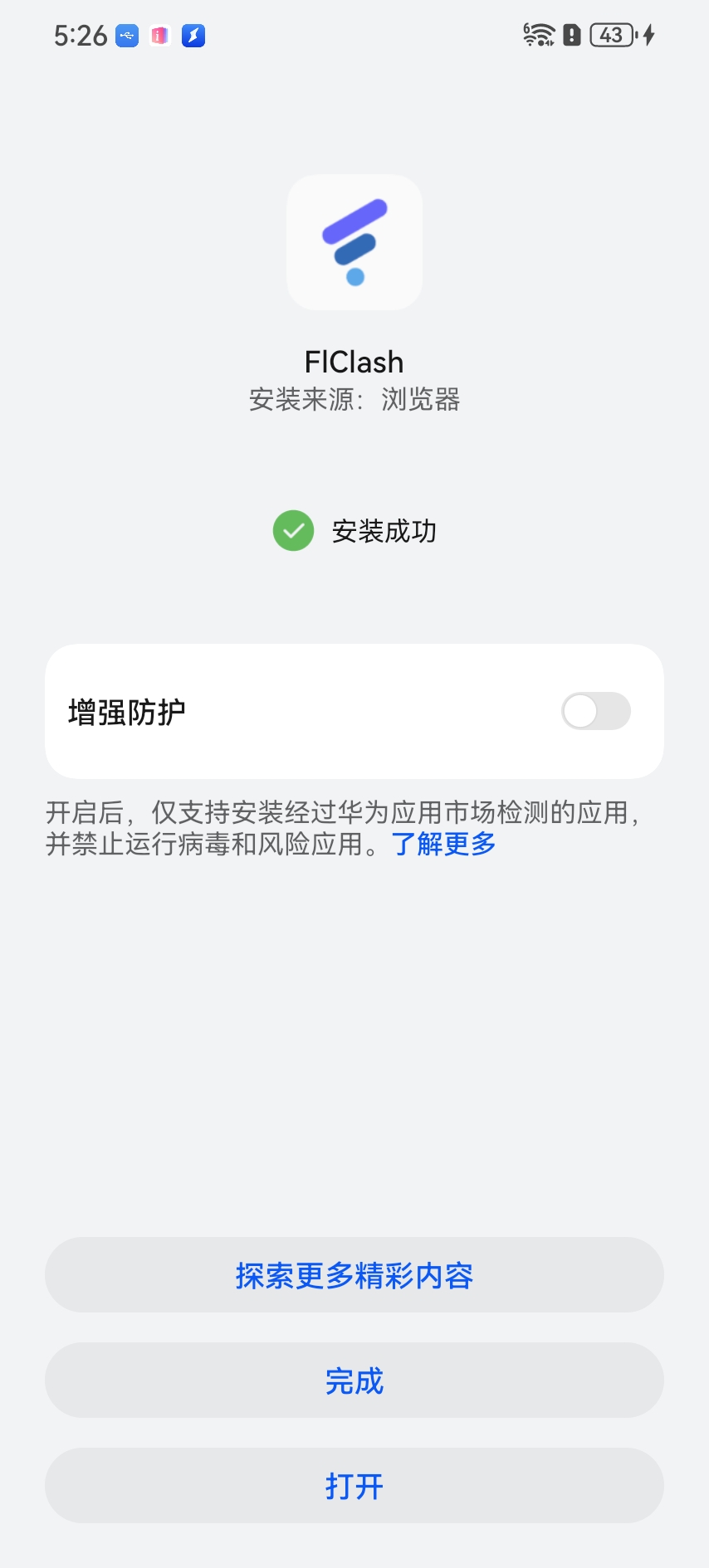
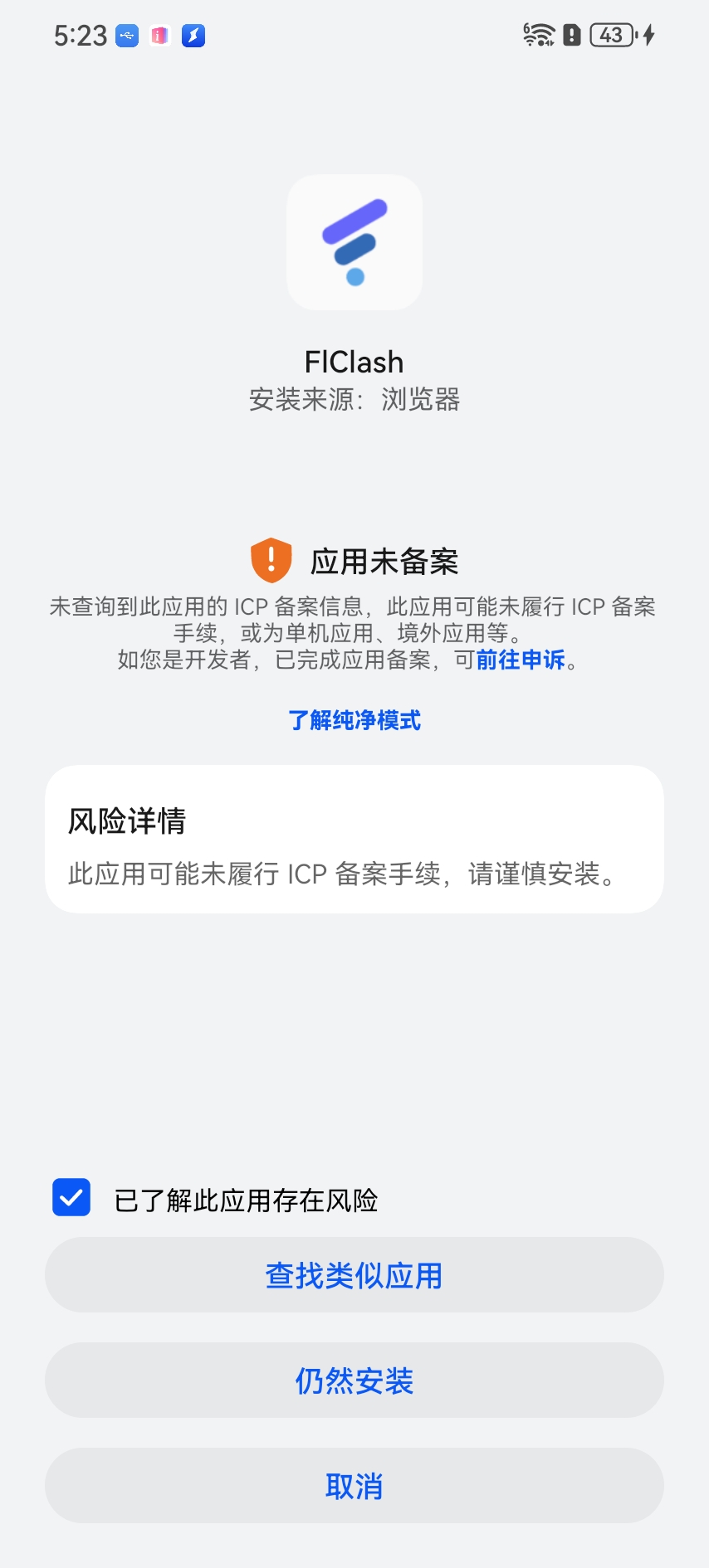
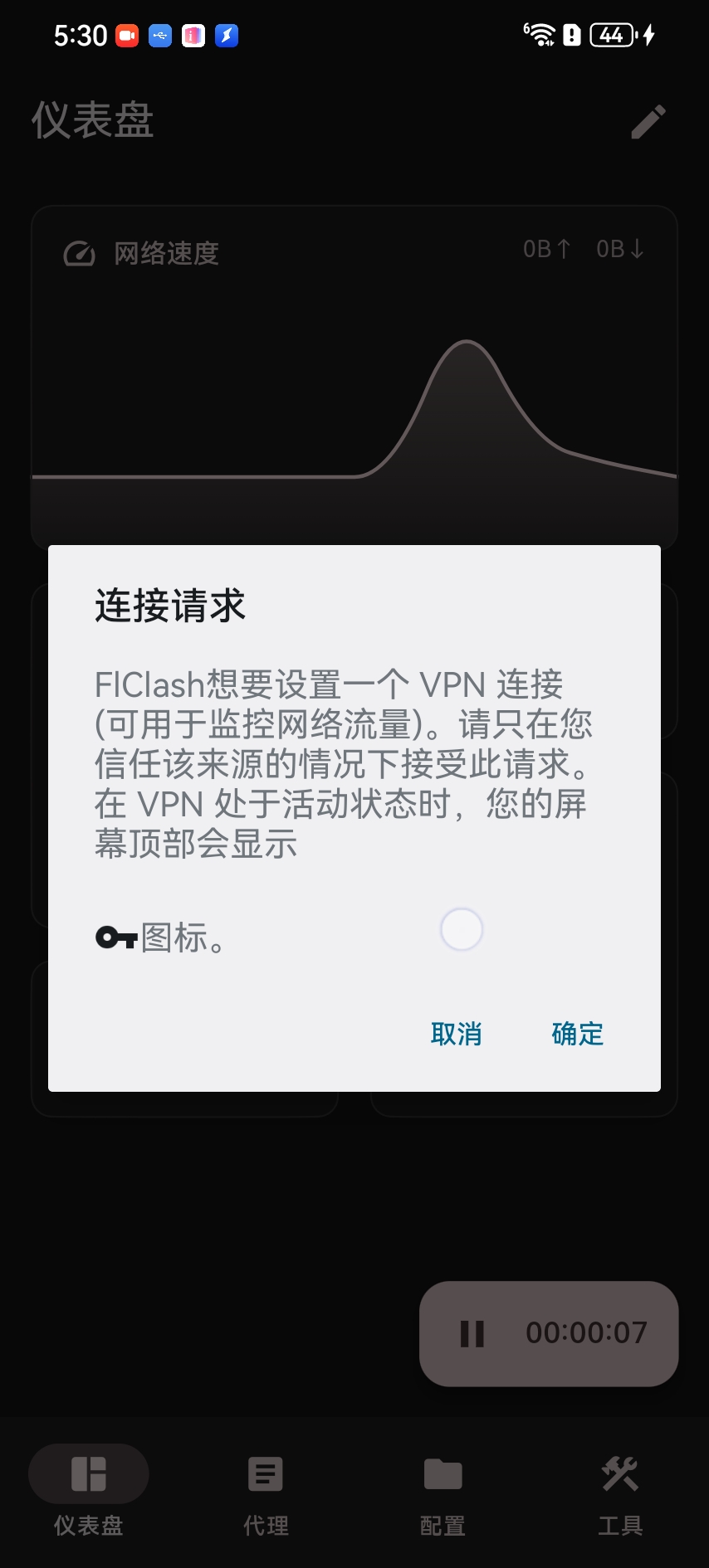
Install and launch sing-box for Android
Open the complete sing-box for Android guide.