
Mode Selection
The top of the Jego popup shows the modes available to the current account. Rules follows proxy rules, Global proxies all browser requests, and Off uses the local connection. Switch according to how you want the browser to connect.
Rules mode: follow proxy rules
Rules mode handles each browser request according to Jego's proxy rules. A rule can match a domain, IP address, or IP subnet. Requests marked for proxy use the current node, while direct requests use the local connection.
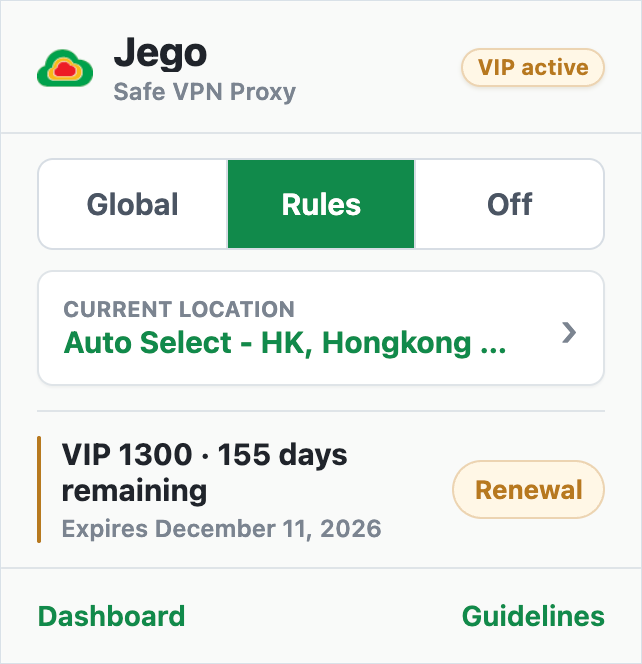
In Rules mode:
- domains or IP addresses matched by a proxy rule use the current node;
- domains, IP addresses, or subnets matched by a direct rule use the local connection;
- requests not matched by a custom rule continue through Jego's built-in rules;
- local addresses always connect directly and never go through a node.
If a domain or IP address does not follow the expected proxy rule, open Dashboard → Diagnostics → Connection → Rules Check to view the match result.
Global mode: proxy all browser requests
Global mode sends all browser requests through the current Jego node, while local addresses still connect directly.
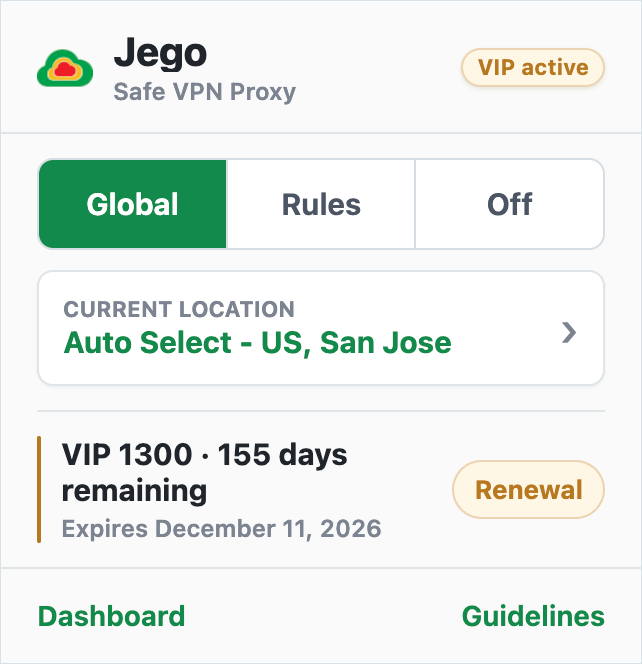
In Global mode:
- all browser requests use the proxy;
- browser requests not matched by a Rules entry also use the current node;
- local addresses still connect directly.
Switch back to Rules whenever you want proxy-rule routing. Mode changes affect only the browser where Jego is installed.
Off: use the local connection
Off stops Jego from proxying browser traffic. Websites use the local connection. The popup may keep the previously selected node name, but the node is not active and cannot be changed while Jego is off.
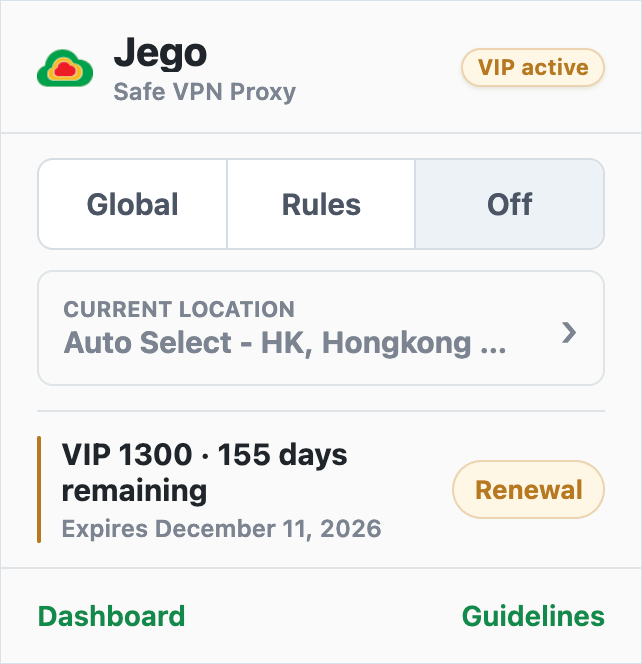
When Jego is Off:
- browser websites use the local connection;
- the saved node does not take part in the connection.
Free version interface
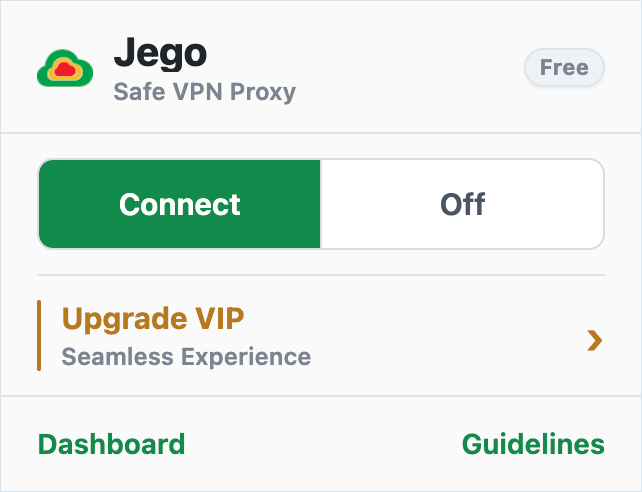
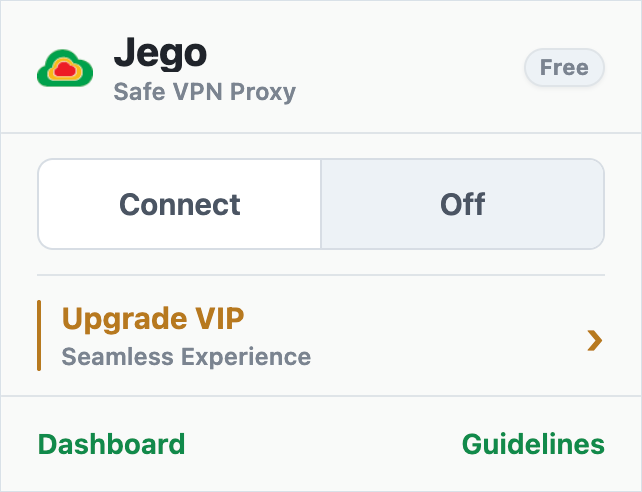
The member popup shows Rules / Global / Off. The Free popup shows Connect / Off.
- Connect: turns Jego on;
- Off: uses the local connection.
The example below shows the Free interface and helps Free users recognize the Connect and Off states.
Browser icon state
Free version icon states:
| Connected | Off |
|---|---|
 |  |
Member icon states:
| When in Global mode | When in Rules mode | When Off |
|---|---|---|
 | | |
After switching, wait for the small dot at the top to become the Jego logo again, then reload the website. Use Rules Check to confirm the actual route.