Loon
Not Recommended
The third-party Loon project may still be maintained, but Jego no longer supports its current subscription protocol and therefore does not recommend it for Jego.
Please use Jego's recommended clients
 Get Loon
Use an account you legitimately own and the official store; do not buy or share accounts. Jego no longer supports Loon’s current subscription protocol, so use a supported client instead.
Download Loon
If the official Loon App Store page is available for your legitimate account region, install it from the store. Jego users should prefer the recommended client linked in the notice at the top.
Add Subscription
In the Jego Dashboard, click on Mobile Proxy in the left navigation bar, find the Loon subscription address and click Copy.
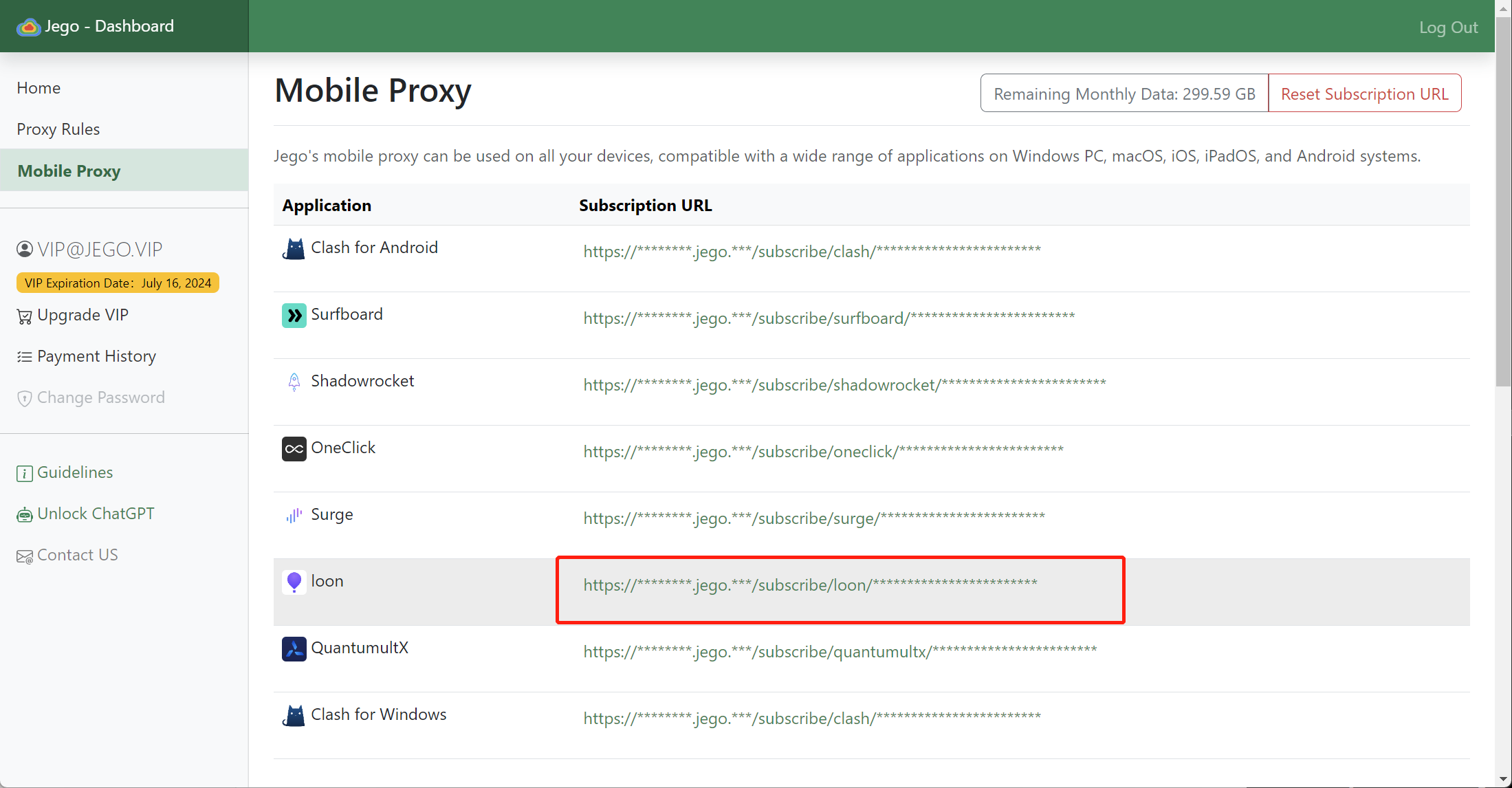
You can also get the subscription URL on your phone: open https://jego.us in the phone browser and sign in to copy it.
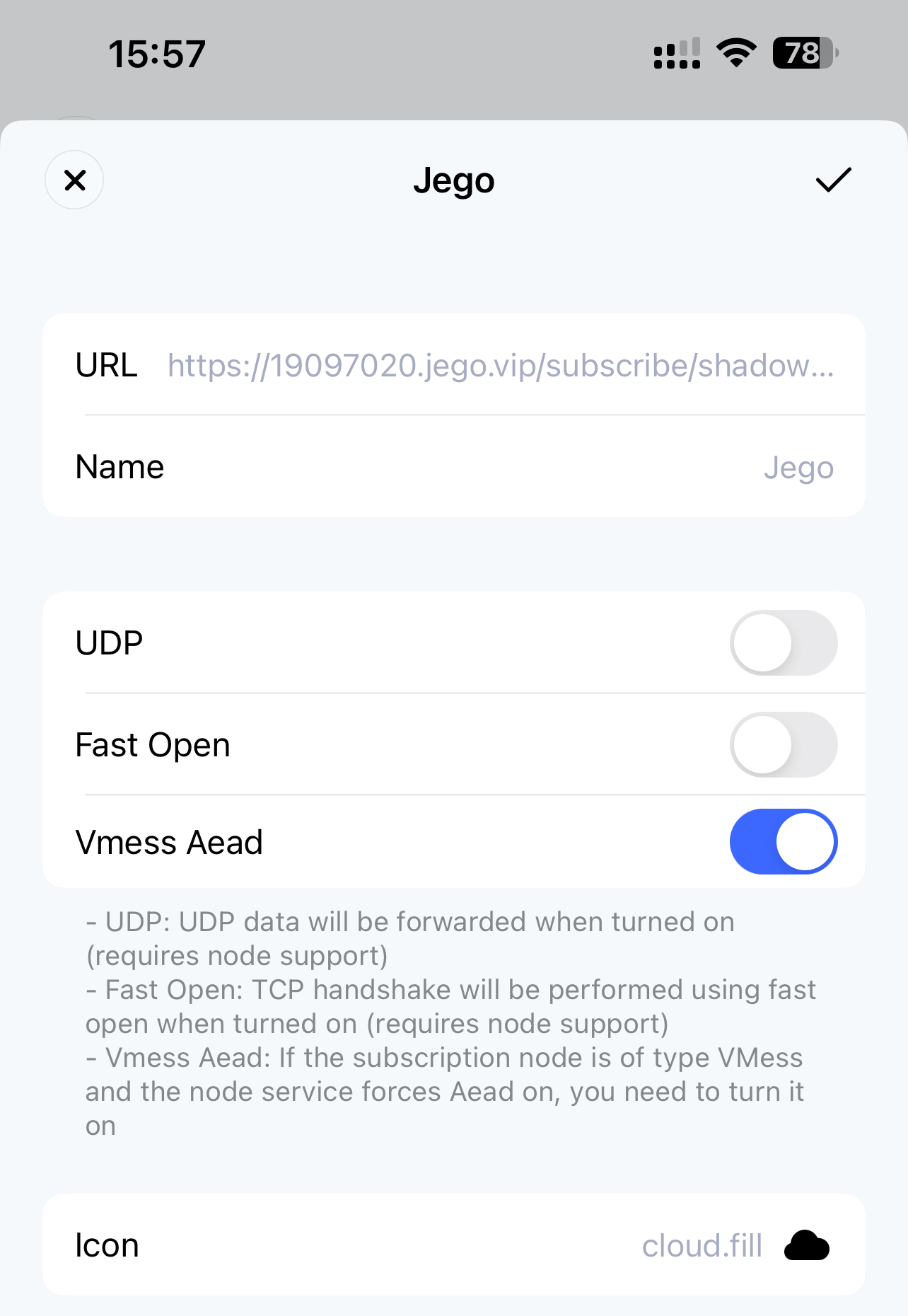
Open Loon and tap Profile -> All Nodes -> ➕ to reach the screen shown below. Paste the copied subscription address into the address bar, give it a name, then tap the confirm button in the upper-right corner to finish.
Update Subscription
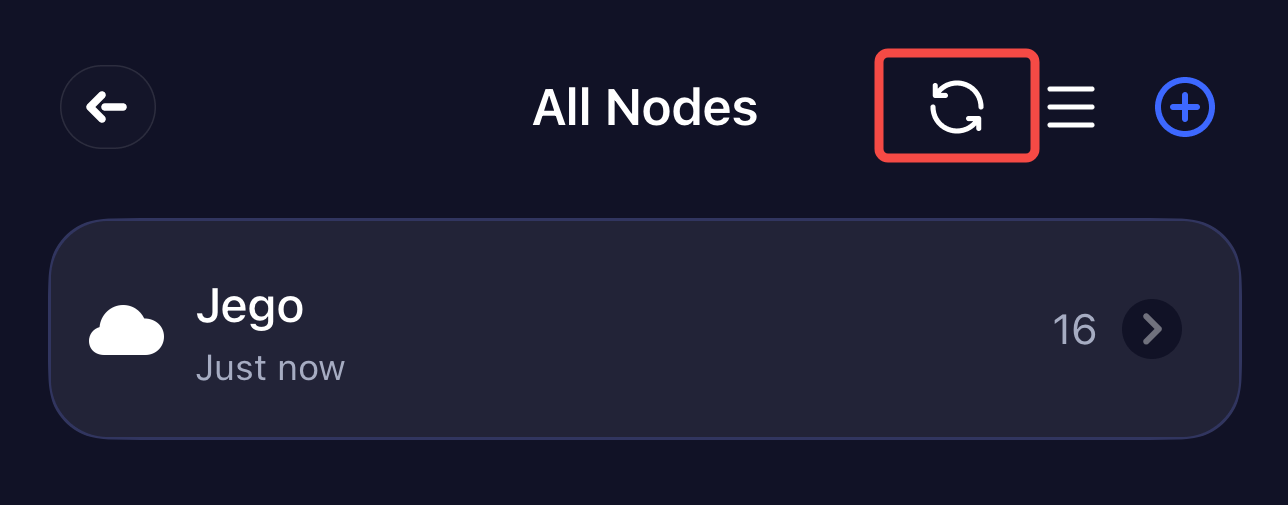
Please follow the path Profile -> All Nodes, find the update button as shown in the image below, click to update, to ensure the Jego subscription is in the latest state.
Connect to Server
Click the switch in the upper right corner of the Loon homepage to connect to the server. When first started, it will request VPN permissions, and you need to click OK to allow.
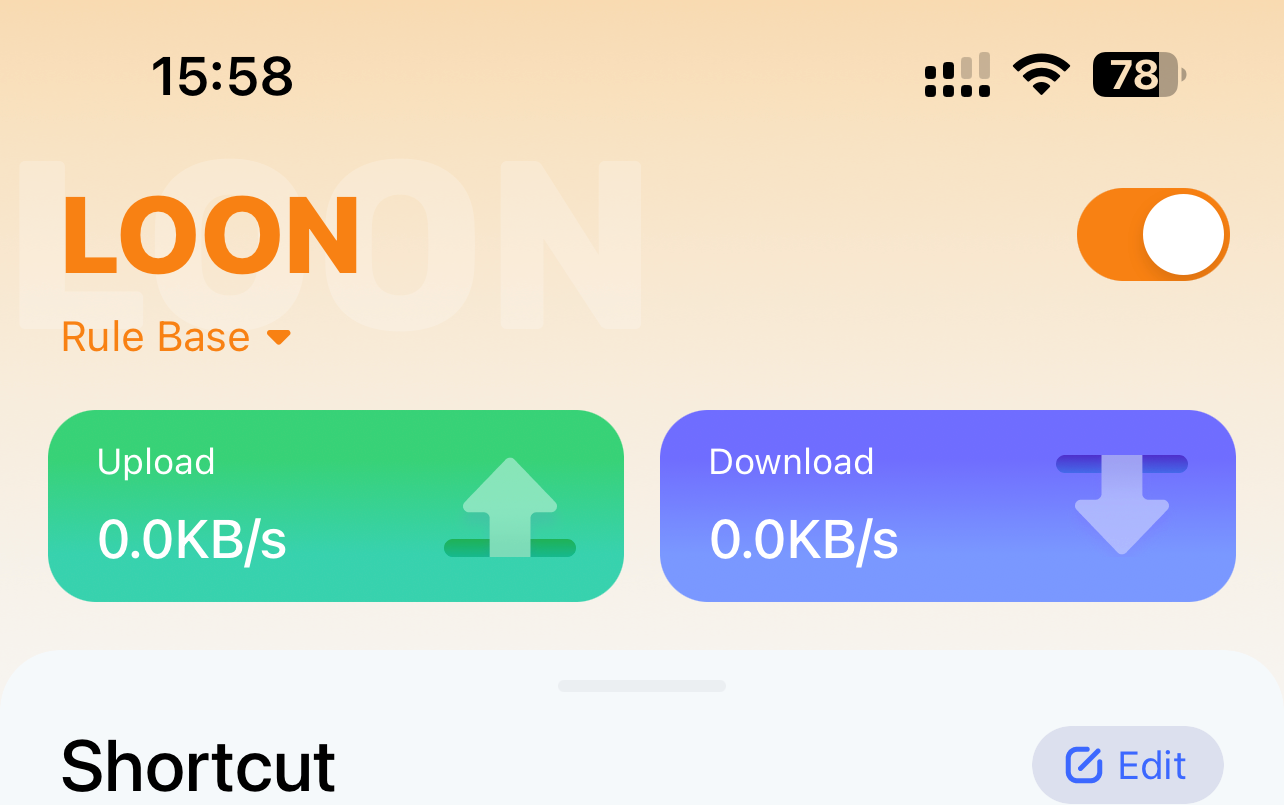
Traffic Mode Selection
Tap the small text below LOON in the upper-right corner of the homepage; the traffic modes shown below will appear and you can pick one:
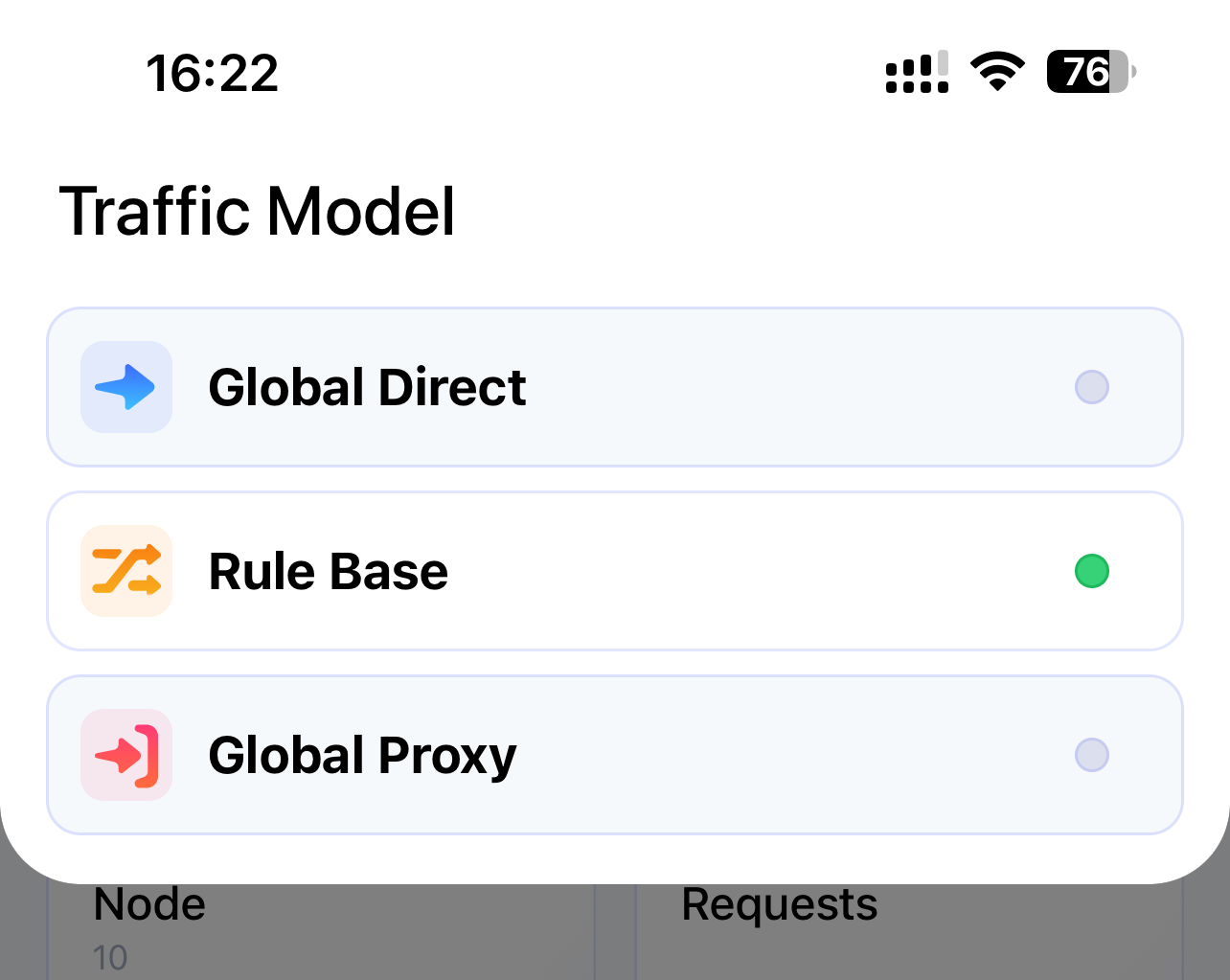
- Global Direct (Global direct connection, equivalent to not going through proxy)
- Rule Base (Rule-based selective direct connection and proxy)
- Global Proxy (Global proxy, equivalent to all going through proxy)
Common Issues
When the profile is ready and VPN is on but websites still do not connect
A: Check if the proxy server IP in your configuration is correct; check in phone settings whether Loon's WLAN and Cellular Network is checked.